
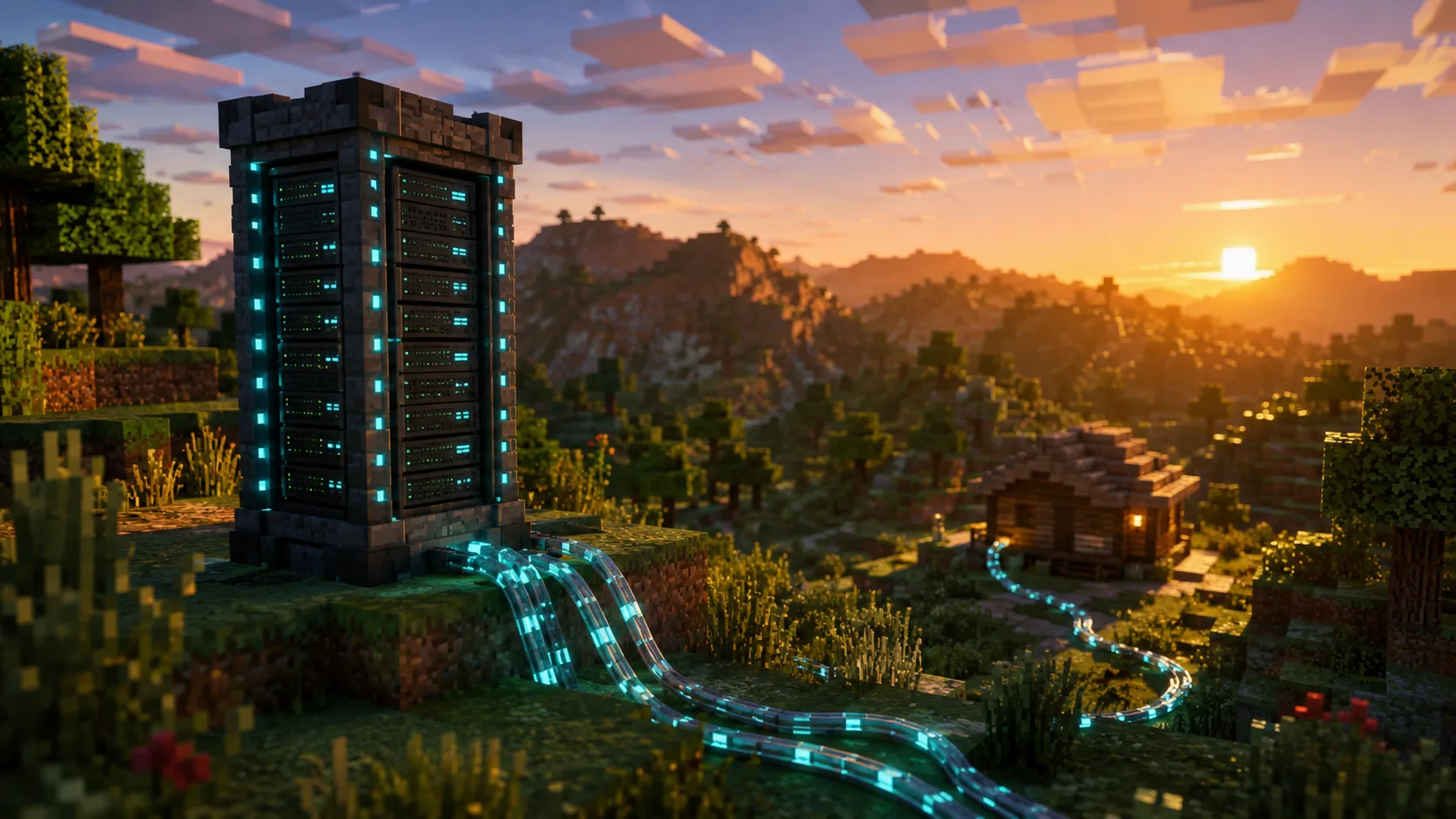
Every week, the same question comes up on Minecraft forums and Discords: « is it worth paying for a host, or can I run the server on my PC? » The answer isn’t the same for a server with friends that runs on weekends and for a community server open to 50 players. This guide lays out the real selection criteria – actual cost, performance, security, uptime – so you can make an informed decision instead of following a generic opinion.
Key takeaways
- Self-hosting is free on paper, but not in reality: electricity, hardware wear, maintenance time, and above all the limits of your internet connection (upload, stability, exposed IP).
- A host costs between €5 and €30/month depending on resources, but offers 24/7 uptime, DDoS protection, automatic backups and technical support.
- For 2-5 friends on vanilla, self-hosting works very well. Beyond 10 regular players, or if the server has to run 24/7, a host becomes the most reliable choice.
- The real question isn’t « can my PC host a Minecraft server? » (yes, almost any recent PC can) but « do I want to handle maintenance, security and uptime myself? »
Self-hosting: what it really involves
What works
Setting up a Minecraft server on your PC takes 10 minutes. You download the .jar, launch it with Java, share your IP, and your friends connect. For a server with friends that runs a few hours in the evening and on weekends, it does the job perfectly. The extra cost is almost zero if your PC is already on.
You also get total control: root access, no artificial limit on RAM or CPU, the freedom to install whatever you want (plugins, mods, backup scripts, monitoring tools). Nobody forces a panel, a Java version, or a file structure on you.
What causes problems
Your internet connection is the bottleneck. It’s not the download that matters, it’s the upload. A Minecraft server constantly sends data to every connected player (chunks, entities, movement). With a 5 Mbps upload (common on consumer connections), you max out at around 10-15 simultaneous players. Micro-freezes, blocks that reappear after being destroyed, and mobs that teleport are the symptoms of insufficient upload.
Your public IP is visible. When you share your server’s address, you’re sharing your home router’s IP. Any disgruntled player can launch a DDoS attack on your personal connection. Your router has no protection against that. An attack lasting a few minutes is enough to cut the internet for your entire household for hours.
The server stops when your PC stops. A Windows update that reboots the machine at 3 a.m., a power outage, CPU overheating, or simply someone turning off the PC: the server goes down every time. And without automatic backups, the last play session can be lost.
CGNAT blocks port forwarding. More and more ISPs use CGNAT (Carrier-Grade NAT), which shares a single public IP among several subscribers. In that case, port forwarding doesn’t work, and your players simply can’t connect. You then have to contact your ISP to get a dedicated public IP (not always possible, sometimes paid) or go through a tunnel (Ngrok, Playit.gg), which adds latency and complexity.
The hidden costs
Self-hosting is « free » if you ignore these cost items:
- Electricity: a PC running 24/7 draws between 100 and 300 W. At €0.20/kWh, that comes to €15 to €45/month. More expensive than an entry-level Minecraft host.
- Hardware wear: a PC that runs non-stop wears out its fans, SSD and power supply faster than in normal use.
- Your time: setting up the firewall, port forwarding, automatic backups, Java updates, and monitoring of the server process. If it crashes at 2 a.m., you’re the one who has to step in.
Our take – Self-hosting is perfect for a test server or a server with friends that you start in the evening. As soon as the word « community » comes up (players you don’t know, a server that has to stay online while you sleep, public visibility), you hit the limits of self-hosting. And the day someone DDoSes your personal IP, you’ll regret not having put €8/month into a host.
Going with a host: what changes
What you gain
24/7 uptime. The server runs on a dedicated machine in a datacenter. No power outages (UPS units, generators), no unexpected Windows reboots, no dependence on your personal connection. Your players can connect at 3 a.m. without you having to turn anything on.
DDoS protection. Gaming hosts include anti-DDoS filtering tailored to Minecraft traffic. Your personal IP is never exposed. If someone attacks the server, it’s the host’s infrastructure that absorbs it, not your router.
Professional-grade bandwidth. Datacenters offer symmetric connections of 1 Gbps or more. Your home upload of 5-20 Mbps no longer limits the number of players. A host handles 50 simultaneous players without breaking a sweat where your router maxes out at 15.
Management panel. Most hosts provide a web panel (Pterodactyl or proprietary) to install plugins in one click, access the console in real time, schedule restarts, manage files and configure automatic backups. You no longer need SSH, cron jobs or bash scripts.
Automatic backups. The world, plugins and configuration are backed up regularly by the host. If something goes wrong, you restore in a few clicks from the panel. No more world corruption at 3 a.m.
What you lose
Total control. With a shared host (the most common plan), you don’t have root access. You’re limited to the panel and FTP. You can’t install just any software, change the Java configuration beyond what the panel offers, or run arbitrary scripts. If you need total control, a VPS or a dedicated server (more expensive) is the middle ground.
A fixed monthly cost. Even if your server is empty for a month, you pay. Entry-level plans start at around €5/month, while community setups (8-16 GB RAM) fall between €10 and €25/month.
Side-by-side comparison
| Criteria | Self-hosted | Minecraft host |
|---|---|---|
| Monthly cost | €0 apparent (€15-45/month real with 24/7 electricity) | €5 to €30/month depending on resources |
| Uptime | When your PC is on | 24/7 (99.9%+ guaranteed) |
| Bandwidth | Limited by your upload (5-20 Mbps typical) | 1 Gbps+ symmetric |
| DDoS protection | None | Included |
| Exposed IP | Your personal IP | Dedicated datacenter IP |
| Backups | Manual (or scripts to set up) | Automatic with one-click restore |
| Management panel | Terminal / SSH | Web interface (Pterodactyl or proprietary) |
| Control | Total (root access) | Limited to the panel (except VPS/dedicated) |
| Supported players | 10-15 max (depends on upload) | 32 to 200+ (depends on the plan) |
| Maintenance | You handle everything (Java, firewall, updates) | The host manages the infrastructure |
| CPU performance | Depends on your PC (shared with your other uses) | Dedicated high-frequency CPU (Ryzen 9, i9) |
The middle ground: the VPS
A VPS (Virtual Private Server) is a virtual server you rent from a cloud provider. You get root access (as with self-hosting) along with the advantages of a datacenter (uptime, bandwidth, DDoS protection). It’s the option for technical admins who want total control without the limits of a home connection.
The trade-off: you install and configure everything yourself (Java, Minecraft, firewall, backups). No one-click panel, no automatic plugin installation. It’s self-hosting on a professional machine. Prices start at around €5-10/month for a VPS with 4 GB of RAM.
A VPS is the right choice if you’re comfortable with Linux, SSH and the command line. If those words scare you, a Minecraft host with a panel is a better investment of your time.
When to move from self-hosting to a host
There’s no magic moment, but there are clear signals:
- Your players complain about lag even though your server has enough RAM and CPU. The problem comes from your connection, not the server.
- You have more than 10 regular players and your server needs to be online when you’re not around.
- You’ve been hit by, or you fear, a DDoS attack.
- Your ISP uses CGNAT and you can’t open ports properly.
- You spend more time maintaining the server (updates, backups, monitoring) than playing.
- Your world has been corrupted by a power outage or an unsaved crash.
If you tick two or three of these boxes, moving to a host will save you time, give you reliability, and probably save you money (compared with the real cost of 24/7 self-hosting).
Our advice – If you’re just starting out and hesitating, start at home. Learn how a Minecraft server works (server.properties, plugins, backups, firewall). When you reach the limits of your connection or maintenance becomes a chore, migrate to a host. Migration takes 30 minutes: download your world folder, your plugins and your server.properties via FTP, upload them to the new host, and you’re back in business.
How to choose a Minecraft host
If you decide to go with a host, here are the criteria that really matter:
- The CPU model. Minecraft is single-threaded: a Ryzen 9 7950X at 5.7 GHz will always outperform 8 cores at 2.4 GHz. The host must display the exact model. « Latest-generation processor » with no detail is a red flag.
- NVMe storage. A SATA SSD or an HDD causes freezes when loading chunks and during saves. NVMe is the minimum for a smooth server.
- Anti-DDoS included. Not as an option, not as an add-on. Included in the base price.
- Scalability. Being able to upgrade RAM or CPU without reinstalling the server or losing your data.
- Technical support. Not just « 24/7 » on paper: check reviews for real response times (Trustpilot, forums, Discord).
- Access to JVM settings. Aikar’s flags make a measurable difference to performance. A host that doesn’t let you configure them holds you back.
To compare Minecraft hosting offers, check out the Minecraft hosting comparison.
Frequently asked questions
Can a laptop host a Minecraft server?
Technically yes, but it’s not recommended. A laptop running 24/7 runs hotter than a desktop (limited heat dissipation), which shortens the lifespan of the processor and the battery. Performance is also generally lower than a desktop at an equivalent price. For a test lasting a few hours, it works. For a permanent server, no.
Does it really cost €0 to host a Minecraft server at home?
No. A PC that’s on 24/7 draws between 100 and 300 W depending on the setup. At €0.20/kWh, that comes to €15 to €45/month in electricity. Add hardware wear (fans, SSD, power supply) and the time you spend on maintenance. The real cost of 24/7 self-hosting often exceeds that of a gaming host.
Can I migrate my world from one host to another?
Yes. Download your world folder, your plugins/mods and your server.properties from the old host via FTP. Upload them to the new server in the same location. Check that the version and the distribution (Paper, Forge, Fabric) match. Migration usually takes less than 30 minutes.
Can the host access my world?
Technically, the host has access to the files on its machines. In practice, reputable hosts don’t touch their customers’ data without an explicit request. If confidentiality is critical (commercial project, sensitive content), a VPS or a dedicated server gives you total control over your files.
Do you need a Minecraft-specialized host or a general-purpose VPS?
A Minecraft-specialized host offers a dedicated panel, one-click plugin installation, preconfigured Aikar flags, and support that understands Minecraft problems (modpack crashes, low TPS, incompatible plugins). A general-purpose VPS sometimes costs less but leaves you to configure everything yourself. If you’re not comfortable with Linux and the command line, the specialized host will save you hours.
How many players with a €5/month host?
Entry-level plans (2-4 GB RAM) comfortably host 5 to 15 players on vanilla with a few plugins. For 20-40 players, aim for 6 to 8 GB of RAM (€10-20/month). For a modded server (Forge/Fabric with a modpack), the modpack itself uses most of the RAM: ATM10 needs 10-12 GB even with 5 players.
Sponsored article – this content was published as part of a paid commercial partnership. It does not represent the editorial position of Kami-Labs.




0 Commentaires
Aucun commentaire pour le moment. Soyez le premier à commenter !