

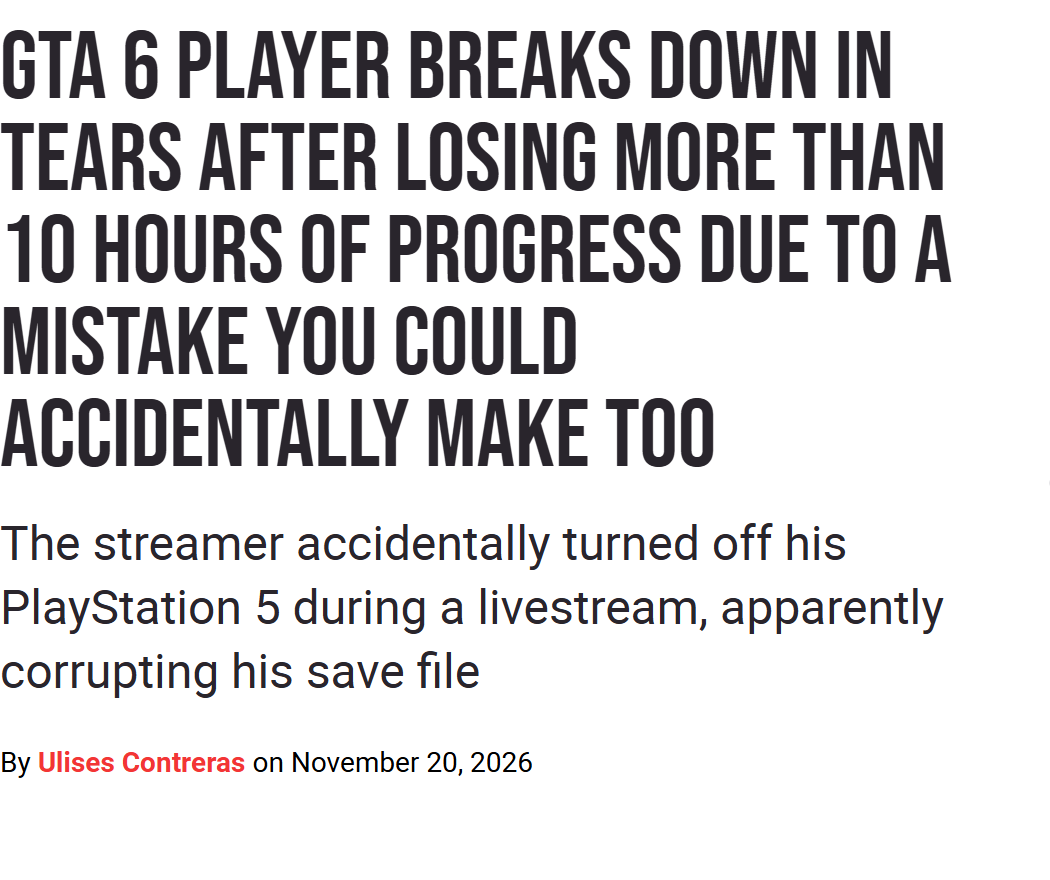
An extension cord, a foot hitting the switch, a PS5 shutting off mid-livestream: about ten hours of GTA 6 vanished for JasonTheWeen. LevelUp (Ulises Contreras, November 20, 2026) reports the scene, and the story spread across the press. It raises a simple question: how reliable are GTA 6 saves?
In our article on viral bugs, published November 20, no source yet mentioned lost playthroughs. The situation has changed since. Here is how the game’s saves work, what the reported cases really show, and the habits that limit the damage.
GTA 6 saves: 15 slots, one autosave
According to gtabase (Taimoor Zia, November 19) and BGR (Obaid Ur Rehman, November 19), the game offers 15 manual save slots, plus one slot reserved for the autosave (the game saves on its own, with no action from the player). VGC (Jordan Middler, November 19) counts 15 slots in total, the autosave included: the sources differ by one slot.
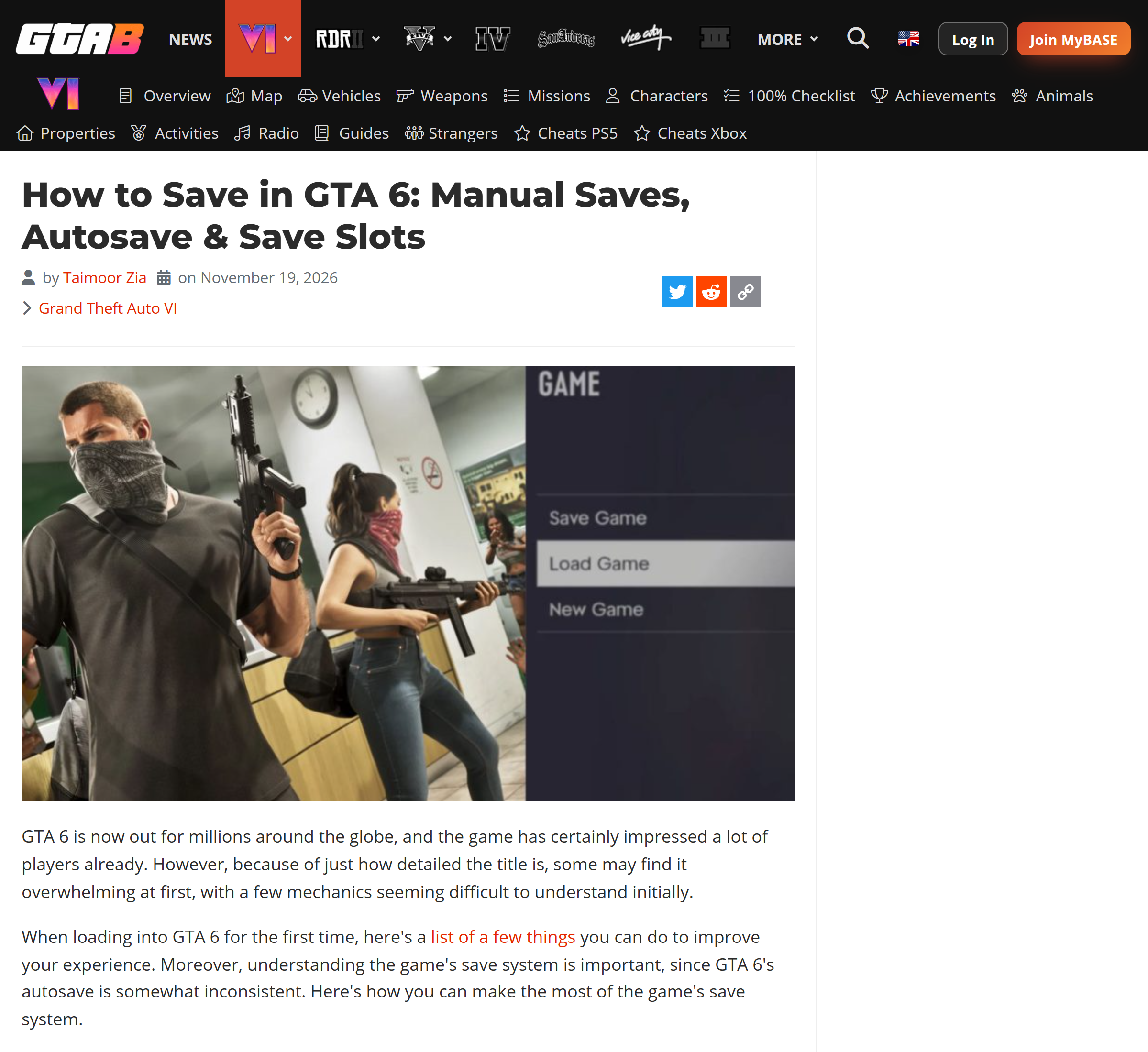
To save manually, press the Options button on PS5 or the Menu button on Xbox, then select “Game,” then “Save Game” and pick a slot. In the same menu, “Load Game” lets you reopen a save.
The trigger rules, as the sources describe them, fit in a table.
| Situation | Manual save | Autosave |
|---|---|---|
| Prologue | Not possible, it unlocks at the end of the prologue (gtabase) | Not triggered (Notebookcheck) |
| During a mission | Not possible (BGR, gtabase) | Not during the mission (BGR) |
| Wanted by the police or in combat | Not possible (gtabase) | Not in combat (VGC) |
| End of a main mission or a major side mission | Possible | Yes, usually (BGR) |
| Small activities, free roaming | Possible | Unlikely (BGR) |
One last detail: the autosave does not appear on the “Save Game” screen. Notebookcheck (Adam Corsetti, November 19) says it is found on the load screen. Rockstar has not said how often it triggers.
Ten hours lost: a power switch, not a crash
According to LevelUp, JasonTheWeen’s console was cut off by a foot that hit the switch on an extension cord. The console shut down abruptly, and the game restarted from the beginning of the prologue. The outlet adds that the save was probably corrupted because the shutdown happened during an autosave, without official confirmation. So this was not a crash of the game. BGR reports 11 hours lost, LevelUp more than 10.
BGR cites other losses after power cuts, of about 15 hours and 7 hours for unnamed players, and about 2 hours for the streamer Hachu. The outlet draws this conclusion: “The reported incidents don’t confirm a widespread problem with how ‘GTA 6’ handles saves.”
Notebookcheck, for its part, notes that the prologue and certain mission checkpoints do not trigger the autosave: “manually saving is a wise precaution.” None of these sources measures how often GTA 6 saves are lost.
Error codes CE-108255-1 and CE-107891-6 on PS5
Real crashes, on the other hand, are reported on consoles. Dexerto (James Busby, November 20) notes the code CE-108255-1 at the start of the prologue, on PS5 and PS5 Pro, and shutdowns on Xbox Series X with no code cited. UNILAD Tech (Tom Chapman, November 20) details the response from Sony’s support:
- CE-108255-1: the game or app crashed. Sony advises updating the game.
- CE-107891-6: installation or update did not finish properly. Sony advises deleting the game in the storage settings, then reinstalling it. According to UNILAD Tech, the save stays in place after reinstalling.
Players cited by both outlets say these steps do not fix everything. As of November 21, 2026, no response from Rockstar and no patch has been found: Rockstar’s troubleshooting page points to PlayStation or Xbox support.
Seven habits to protect your game
- Save manually as soon as a mission ends, without waiting for the autosave.
- Rotate slots rather than always overwriting the same one: LevelUp advises keeping several saves as a backup copy.
- Make a manual save before “Tourist Trap,” which gtabase describes as the point of no return at the end of chapter 1. Mission choices lock in at each autosave, and the game does not offer to replay a mission.
- Save manually before a long stretch of free exploration, where the autosave rarely triggers.
- Keep the console away from cables you could bump into, or plug it into an outlet with no switch within reach of a foot.
- After a crash, open the load screen: the autosave is there, not on the save screen.
- For an error code, follow the PlayStation or Xbox support procedure before deleting anything.






0 Commentaires
Aucun commentaire pour le moment. Soyez le premier à commenter !