
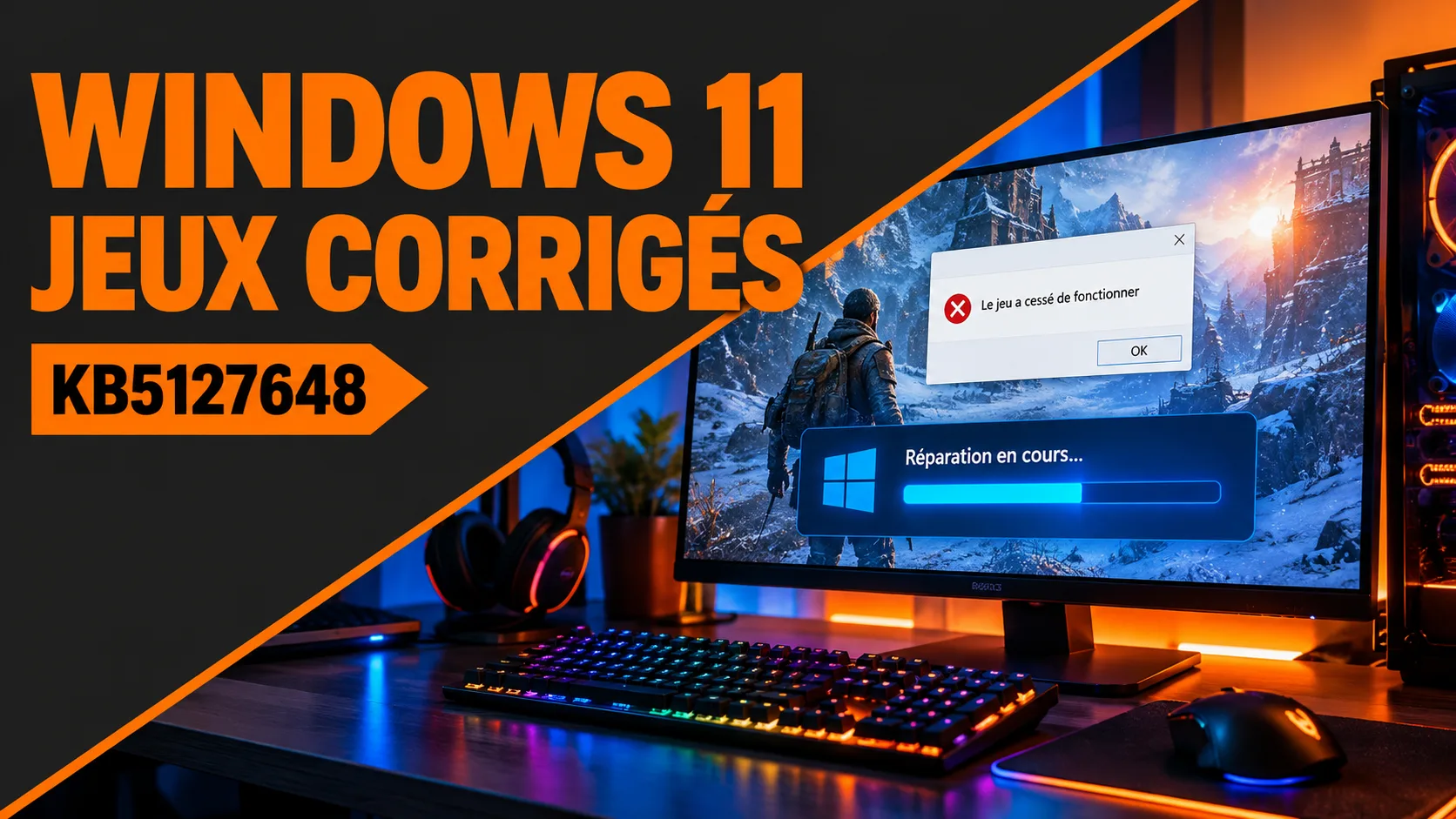
A game that closes without an error message, a mouse that stutters while the picture stays smooth: two Windows 11 bugs have spoiled matches in September and October, and one update fixes both. The Windows 11 fix is called KB5127648, it came out on October 13, and here is how to check that your PC has it.
A crash that came from an optional update
It all starts with KB5124010, released on September 22. It is a preview update, an optional release that ships before the following month’s security update. According to Windows Latest (Mayank Parmar, October 3), Microsoft acknowledged that Windows 11 24H2, 25H2 and 26H2 could crash games and applications that rely on the AC-3 decoder built into Windows. AC-3 is the Dolby Digital audio format.
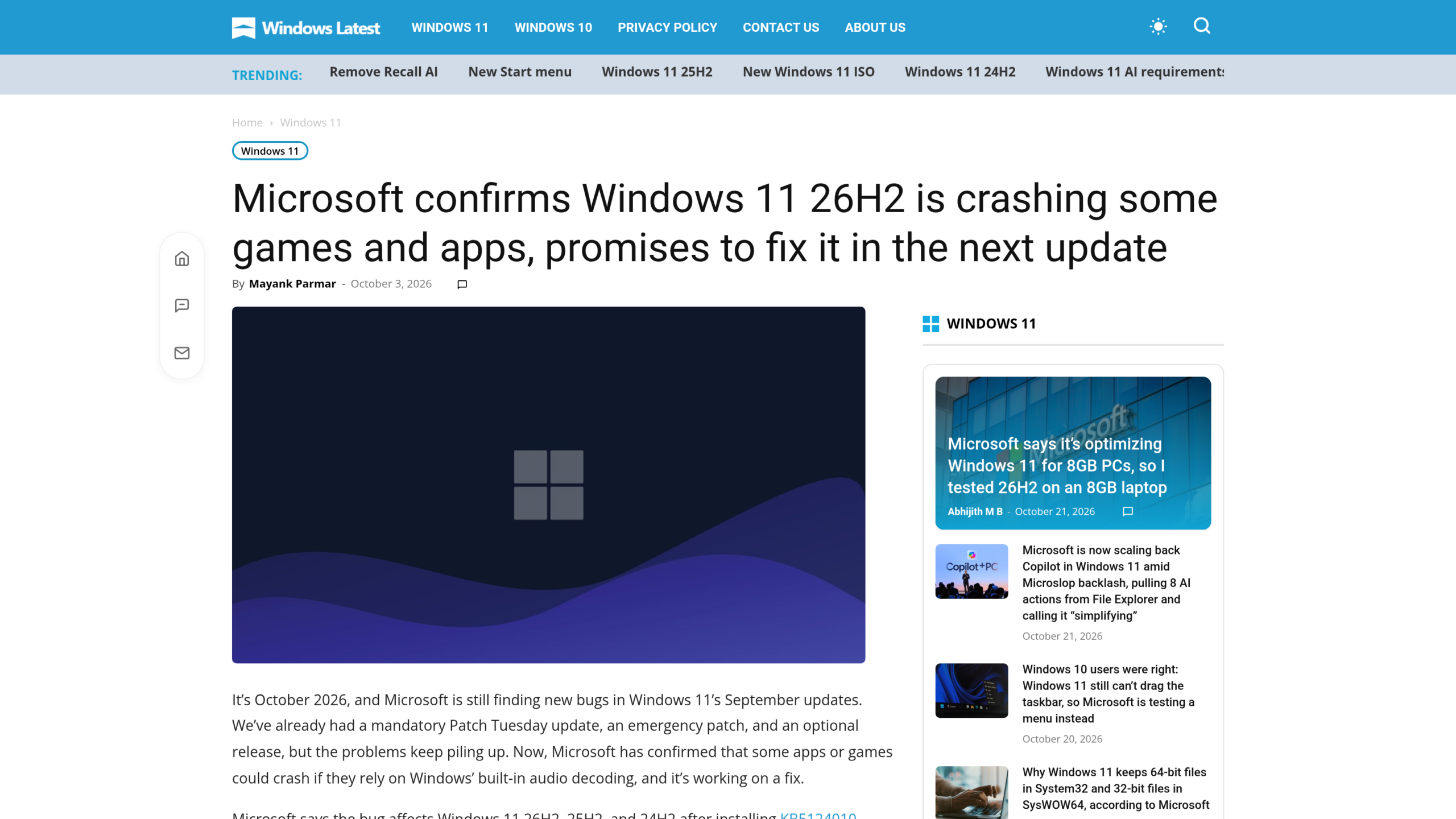
The symptom fits in one sentence from Microsoft: « In some cases the application can fail to launch, or close without warning. » The company says how often it happens depends on what the application does, and names no game. Windows Latest adds that the crash mostly occurs when you raise the volume, change an audio setting or turn on certain sound features.
You may not be affected. KB5124010 is optional: it installs by itself only if the « Get the latest updates as soon as they’re available » option is turned on in Windows Update. Microsoft gives no figure for affected users, and the optional nature of the update already limits the number of PCs concerned, BleepingComputer notes.
Mouse stutter, a separate bug
The second bug has no demonstrated link to the first. Windows Latest (Abhijith M B, October 14) points out that Microsoft now acknowledges a defect that makes mouse movement stutter in some games. The Division 2 players described on Reddit how the camera chopped up as soon as they moved the mouse, while the game itself ran without a hitch. They had swapped mice, changed the polling rate and reinstalled the game, to no effect.
Microsoft explains neither the cause, nor the affected games, nor the number of players. Nothing says The Division 2 is the only game involved, or that every case of stuttering mouse input comes from Windows.
What KB5127648 fixes, according to Microsoft
This Windows 11 fix is the October Patch Tuesday update (the second Tuesday of the month, when Microsoft ships its security fixes). It carries build 26100.9711 for 24H2, 26200.9711 for 25H2 and 26300.9711 for 26H2. BleepingComputer (Mayank Parmar, October 13) presents it as mandatory because it carries the month’s security patches: it downloads even if you declined KB5124010.
On Microsoft’s official page, two lines matter to us. For audio: « This update fixes an issue that affects AC-3 audio playback in some applications. » For games: « This update fixes an issue that could cause mouse input to stutter in some games. »
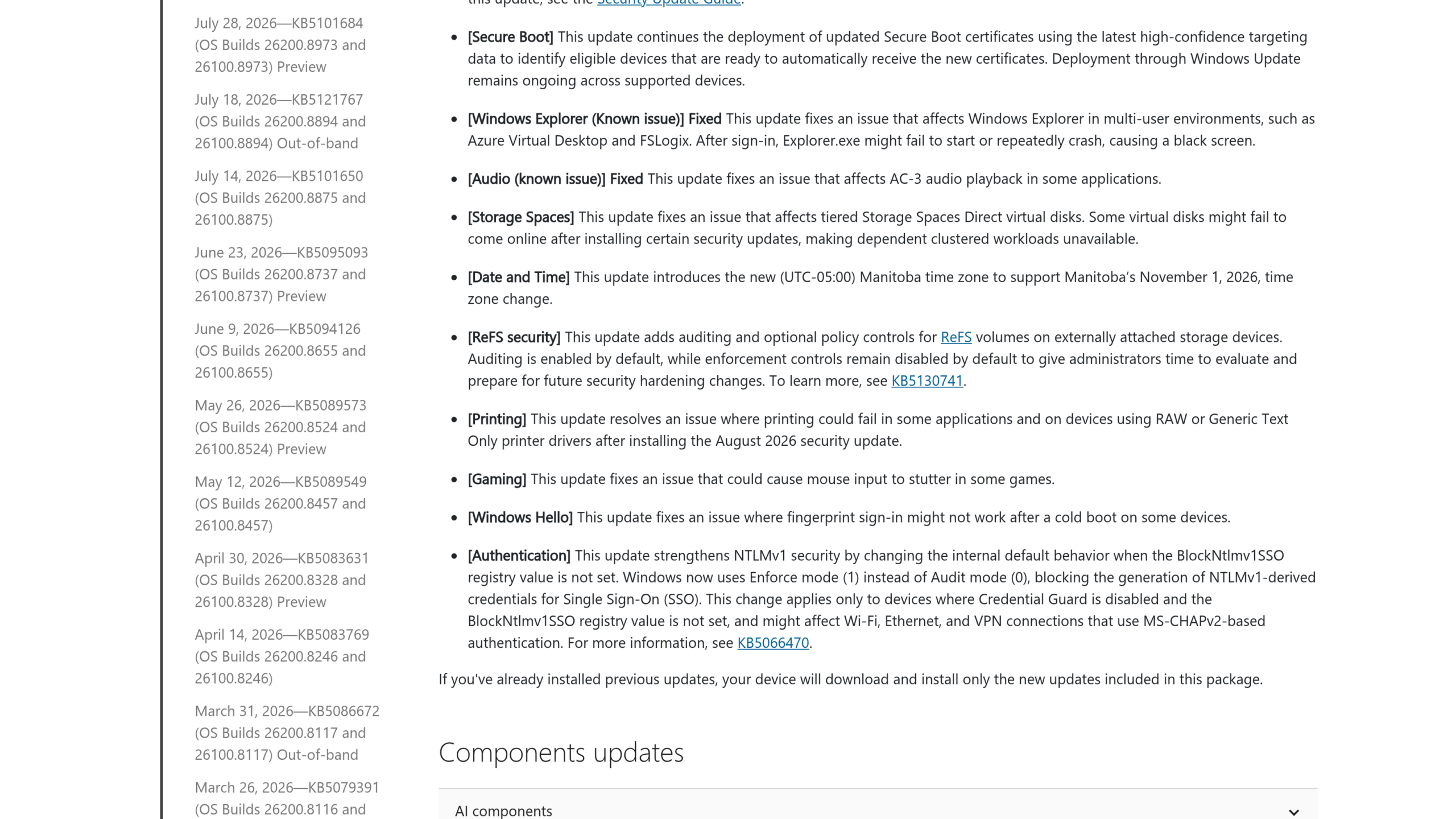
The word « crash » does not appear on this page. On October 19, BleepingComputer (Sergiu Gatlan) made the connection: according to the site, KB5127648 resolves the crashes linked to KB5124010, and affected users should install it. We have not tested this Windows 11 fix ourselves.
Check your version and install the Windows 11 fix
- Press Windows + R, type
winverand confirm. The window shows your version (24H2, 25H2 or 26H2) and, in parentheses, the build number. A build number whose part after the dot is 9711 or higher means KB5127648 is in place. - Open Settings, Windows Update, then Update history. Look for KB5127648 in the list.
- Not in the list? Go back to Windows Update, click « Check for updates », install, then restart the PC.
One thing to know if you are on 24H2: Microsoft states on the same page that the Home and Pro editions of this version have reached end of updates. The October 2026 update is the last one for them, and the company recommends upgrading to the latest version of Windows 11.
What not to do
Do not uninstall an update at random, and above all not this one. In January 2026, NVIDIA recommended removing KB5074109 for its GeForce cards: that was an instruction from the hardware maker for one specific defect. Here, Microsoft points to the opposite solution, an installation. Removing KB5127648 would also take away, according to the official page’s list, the mouse stutter fix and the AC-3 audio fix, and it would leave you without the October security patches.
If the stutter persists after installing, Windows Latest suggests first checking the drivers for the mouse, the USB port and the graphics card, the G-SYNC or Adaptive Sync setting, interference on a wireless mouse and a very high polling rate. These leads come from the site, not from Microsoft. For a crash that continues, no source we consulted cites any official step other than this installation.








0 Commentaires
Aucun commentaire pour le moment. Soyez le premier à commenter !