

An email from Square Enix in your inbox, and no way to log into Final Fantasy XIV anymore. That is what players get when the publisher decides their account has been compromised. On October 19, Square Enix confirmed that strangers are logging into accounts with credentials stolen from other sites. If your Square Enix account shares its password with another service, this warning is aimed at you.
What the October 19 warning says
The notice went up on the Lodestone, the game’s official site, on October 19 at 03:40 UTC. Square Enix writes that it has confirmed « instances of unauthorised access » to accounts. The intruders use email or account ID and password combinations that « appear to have been obtained from other online services of other companies ».
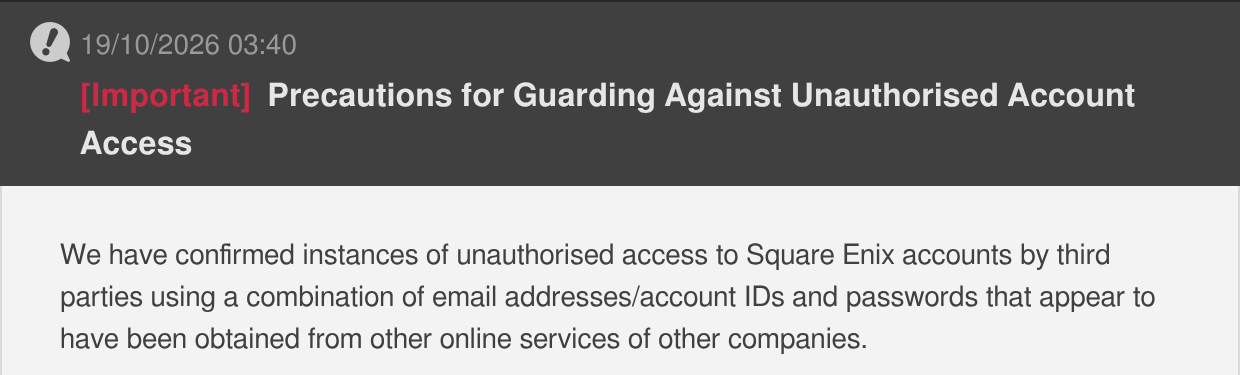
Lodestone, October 19, 2026: the notice header and its first paragraph.
This technique is known as credential stuffing. An attacker gathers lists of emails and passwords from past leaks, then tries them in bulk on other sites. Going by its notice, Square Enix is not describing a breach of its own servers, unlike the Rockstar hack in April, where 78 million records leaked from the publisher itself. Here, reused passwords are what open the door.
The warning comes with no figures. As Jenni Lada points out at Siliconera, the notice « didn’t state how many were affected ». MMOHuts picked up the story the same day. One detail for non-English speakers: even on the French version of the Lodestone, the notice was not translated. It only exists in English and Japanese.
Who is exposed
The notice first targets people who use the same email and password on their Square Enix account and on another service. It then names passwords that follow an easy-to-guess pattern, such as a string of numbers or a date of birth, even when they are not used anywhere else.
In both cases, Square Enix recommends changing your password immediately, on its official reset page. A new password copied from another site protects nothing. Credential theft hits elsewhere too: in September, a Steam malware was stealing player accounts without any antivirus spotting it.
If Square Enix has already locked your FFXIV account
To slow the attack down, Square Enix restricts access to accounts it believes are compromised. Until the restriction is lifted, no login goes through. The affected player receives an automated email, at the address registered on the account, with instructions to reset their password.
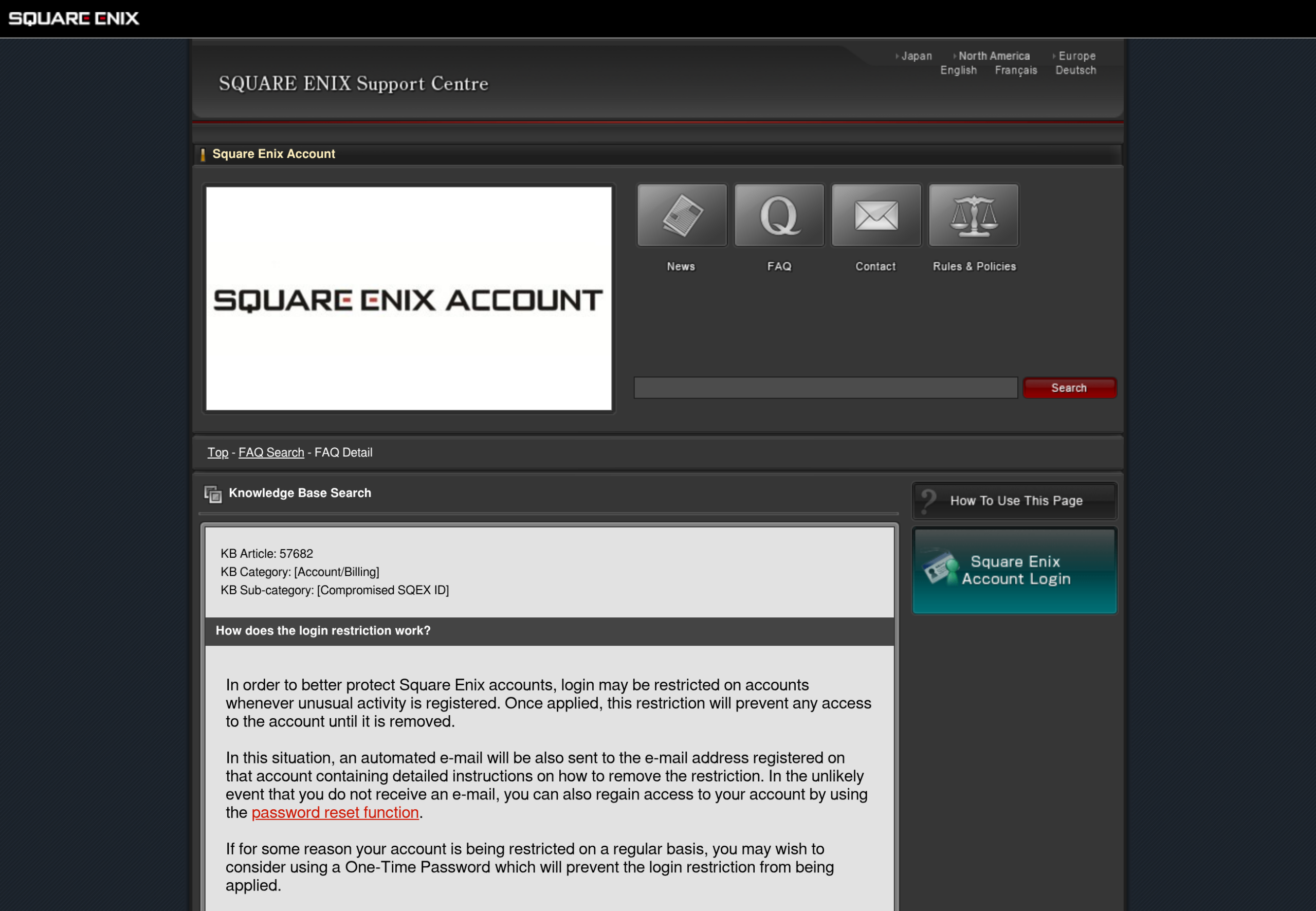
No email? The support article on the restriction says the password reset function also restores access. It adds something the notice leaves out: an account protected by a one-time password is not subject to this restriction. For a player who keeps getting locked out, that is the fix.
Turning on the one-time password, step by step
The One-Time Password is a six-digit code that changes at every login. It comes on top of your ID and password: an attacker who has both still stays locked out without your phone. Square Enix calls it « highly effective against unauthorised access ».
Watch the wording. The publisher’s own app, the Software Token, has not accepted new registrations since November 21, 2023. You need a standard authenticator app, which Square Enix calls a Software Authenticator: Google Authenticator or Microsoft Authenticator. Here is the procedure described by the Square Enix Support Centre.
- Log into the Square Enix Account Management System.
- Open the « Services and Options » menu, then the One-Time Password option.
- At the bottom of the page, pick Software Authenticator and follow the instructions until the QR code appears.
- In the phone app, choose « Scan a QR Code » and point it at the screen. If the scan fails, the « Unable to Scan QR Code » link shows a key you can type in by hand.
- Click « Next », then enter the six-digit code shown in the app to finish the registration.
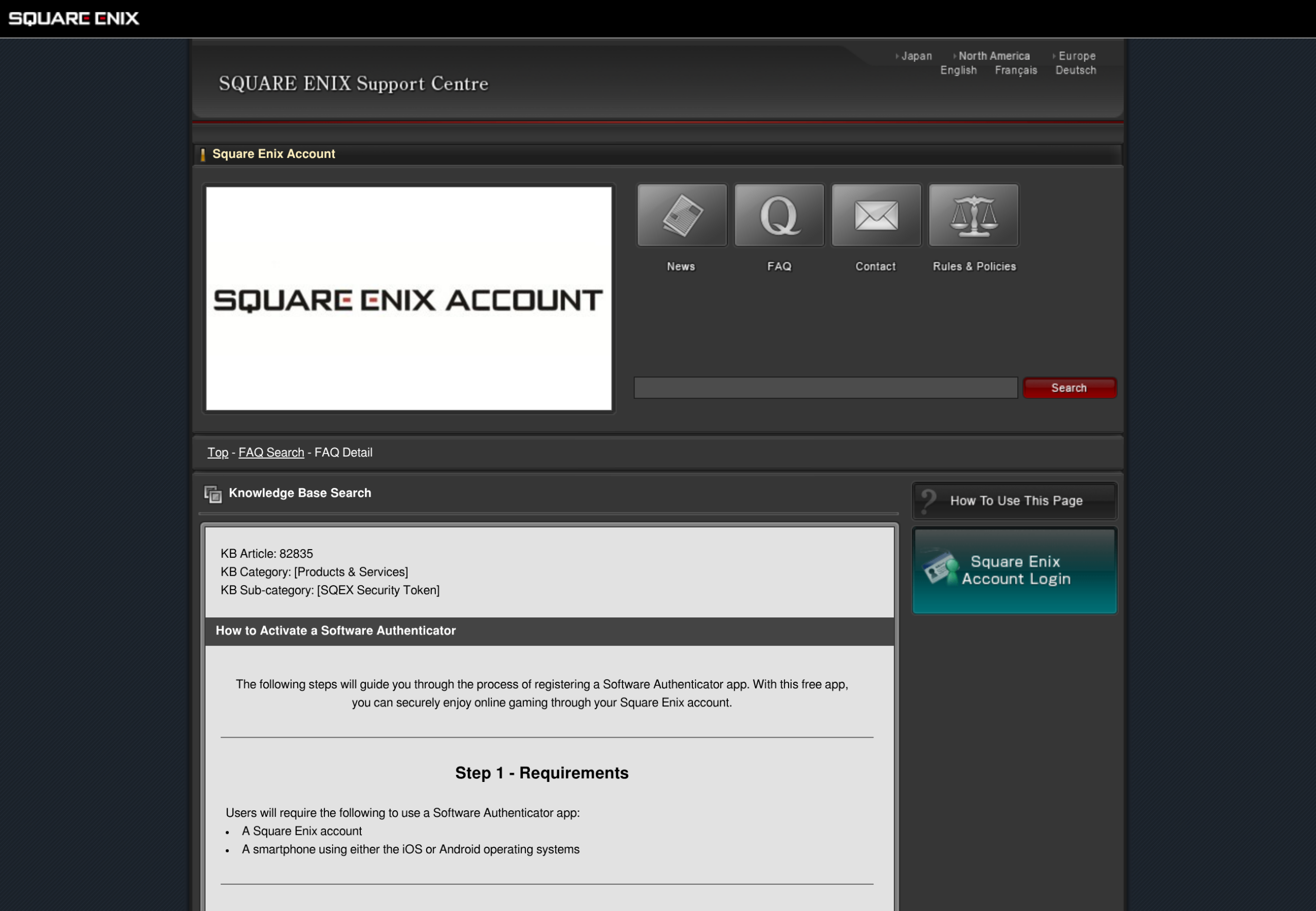
A Software Token or a physical key (Security Token) already tied to the account must be removed before a new app can be registered. Those physical keys are no longer sold, according to the European support centre. In the United States, Siliconera reports that the $14.99 Security Tokens are sold out on the Square Enix online store.
Write down your Emergency Removal Password
The authenticator app has a downside. If you change phones, or delete the app without removing it from the account first, you can no longer log in. Square Enix pointed this out in a September 16 notice. The safeguard is called the Emergency Removal Password.
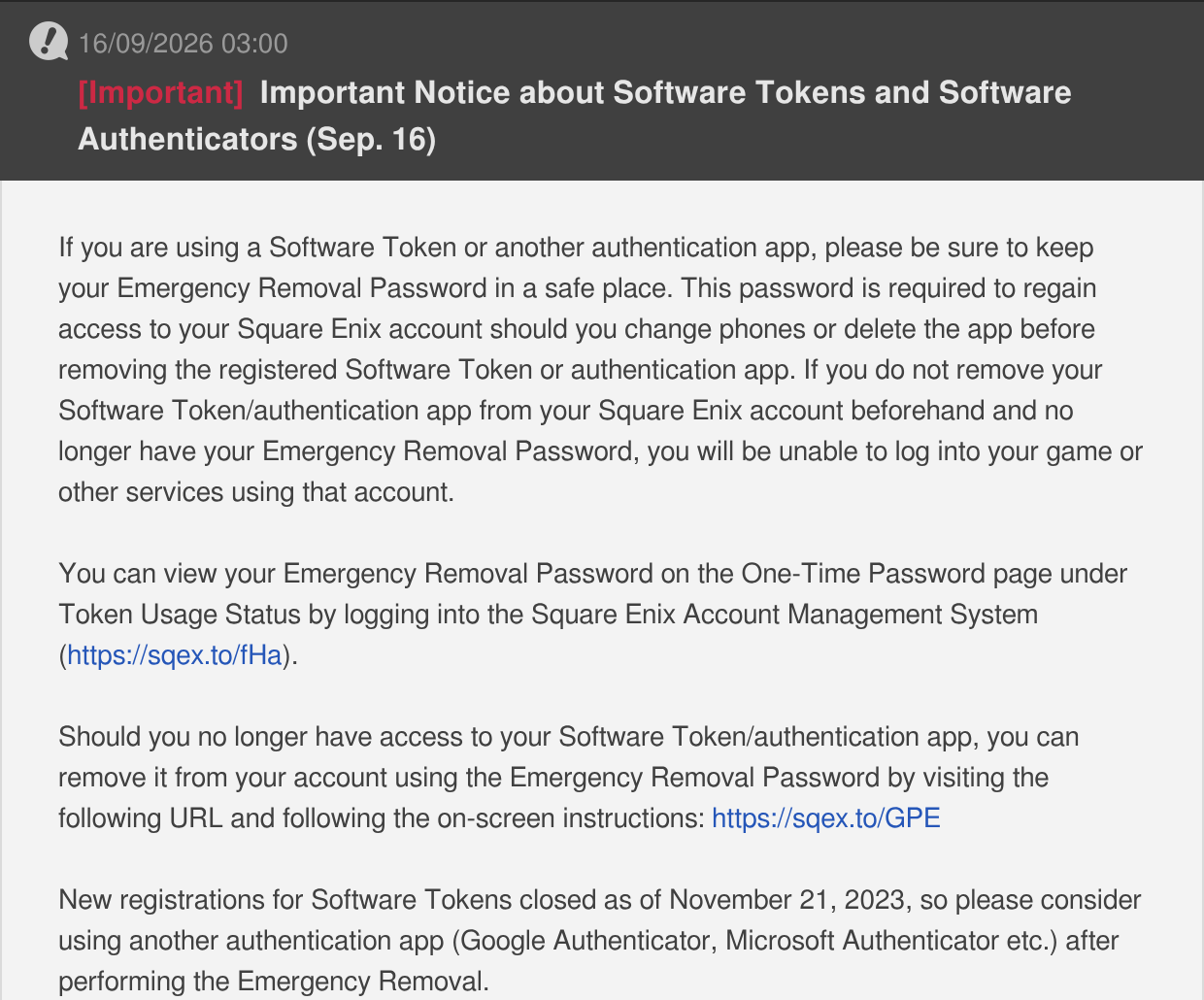
Lodestone, September 16, 2026: the notice on the Emergency Removal Password.
This code is shown in the account management system, on the One-Time Password page, under Token Usage Status. It works only once, and every new app registration generates another one. Without it and without the phone, only Square Enix support can give you back access to the account. Write it down on paper the day you turn on the protection.
The threat of a global password reset
The last sentence of the notice carries the most weight. If attempts keep rising, Square Enix warns that « a password reset for all Square Enix accounts may be initiated ».
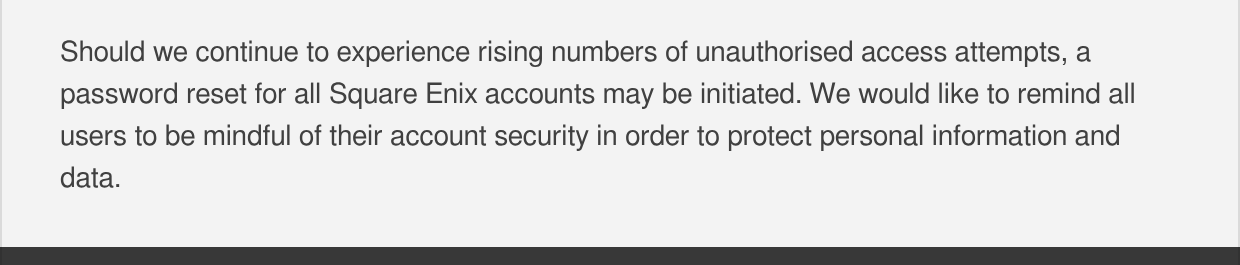
Lodestone, October 19, 2026: the paragraph raising a reset of every account.
Such an operation would hit every Square Enix account, and so every game that relies on one, not just FF XIV. It would also be a gift to phishing, the fake messages that imitate the publisher to steal a password: a player waiting for a reset email clicks on a fake one more easily. The Lodestone already carries a standing warning about phishing through in-game messages. The safest habit is to type the account management address into your browser yourself.
Turning on the one-time code takes a phone, a QR code and a scrap of paper for the backup code. After that, a stolen password is no longer enough.









0 Commentaires
Aucun commentaire pour le moment. Soyez le premier à commenter !