

A plumber’s plunger, a sink, and the PS5 suddenly drops back to the home screen. In the Pipework mission, the one where Mandy appears, a player writes: “It crashes every time I use the plunger or stand around the sink with it.” Dexerto (James Busby, November 20, 2026) picks up this message among other GTA 6 crashes, reported a day after the game’s November 19 release.
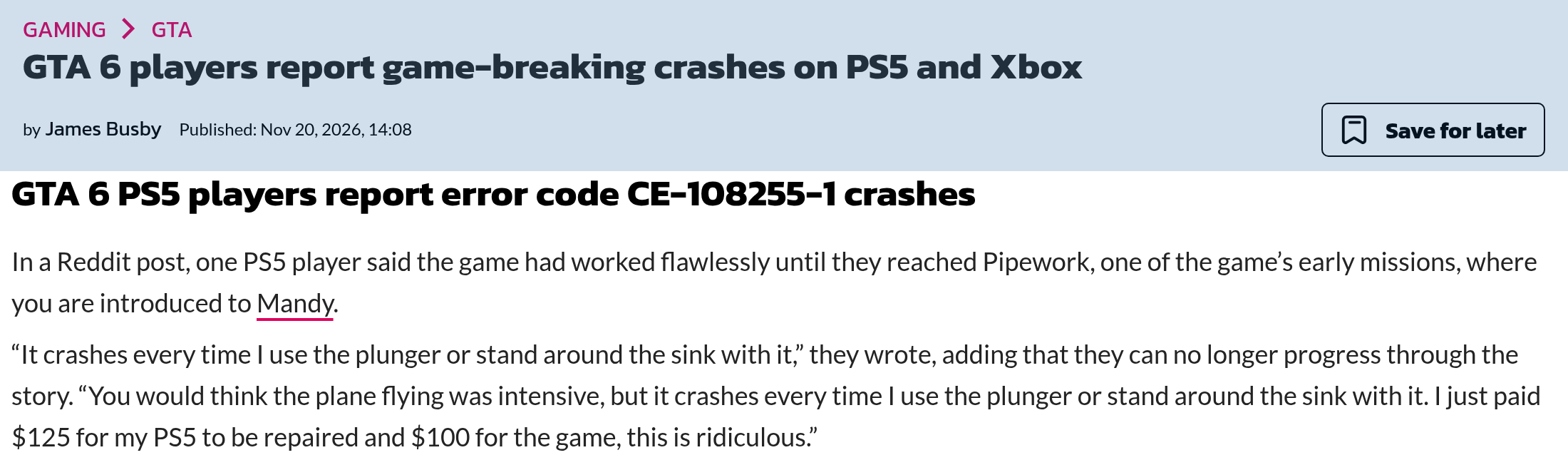
These GTA 6 crashes on PS5 show the same code, CE-108255-1, according to the outlets cited. Support teams passing players back and forth, no explanation from Rockstar or Sony, a theory about the console’s cooling: here is what the sources establish, and what they leave open.
GTA 6 crashes: where and when it cuts out
According to Dexerto, a PS5 Pro owner sees the game stop “as the startup prologue begins,” always at the same point: “Game keeps crashing at the exact same point during the opening prologue.” On Xbox Series X, the outlet cites a first crash after about 15 minutes for one player and after about 2 hours for another, with no common error code.
Notebookcheck (Rahim Amir Noorali, November 21) mostly describes base PS5 and PS5 Slim consoles, with a few PS5 Pro. The stops happen at game launch, on loading screens, during the opening cutscene and at certain points in the early missions: the game closes and the console shows the same code. One player quoted writes: “Legit cannot get past opening cut scene tried so many different things.” Tbreak (November 21) adds complete shutdowns and sometimes restart loops, and notes that the number of affected consoles is unknown.
| Question | What the media report | What no source provides |
|---|---|---|
| Affected consoles | Mostly base PS5 and Slim models, a few PS5 Pro (Notebookcheck) | How many consoles are affected (Tbreak) |
| When it crashes | Launch, loading screens, opening cutscene, start of missions like Pipework | A trigger common to all cases |
| Xbox Series X | Isolated crashes, no code cited (Dexerto) | A link with the PS5 cases |
| Cause | PS5 cooling hypothesis, disputed (Tbreak) | A cause confirmed by Rockstar or Sony |
Rockstar points to Sony, Sony points to the update
No explanation from Rockstar was found in the sources read. According to Notebookcheck, one player received this response from Rockstar: “For technical support for your PlayStation 5 console, please contact PlayStation support.” Others say their ticket was closed with the word “logged.” According to the same outlet, Rockstar’s troubleshooting page, last updated on November 18, only points to Sony’s and Microsoft’s error pages.
On Sony’s side, the page for code CE-108255-1 describes a general game or app error. It gives two instructions: “Try updating your game,” then, for further help, the PlayStation Repairs tool. Notebookcheck points out that this code is not specific to GTA 6, so on its own it does not prove a fault in the console or the game.
As for the game itself, DLCompare (Fyra Frost, November 20) lists two updates released before launch, 01.002.000 on November 13 and 01.002.001 on November 16, with no patch notes at all. None of the sources read reports a hotfix from Rockstar after launch, or a statement from the publisher about the GTA 6 crashes.
| Who | What is reported | Source |
|---|---|---|
| Rockstar support | Response quoted by a player: contact PlayStation support; tickets closed as “logged” | Notebookcheck |
| Rockstar help page | Points to Sony’s and Microsoft’s error pages, last updated November 18 | Notebookcheck |
| Sony’s page for the code | Update the game, then use the PlayStation Repairs tool | Sony code page |
| Rockstar updates | 01.002.000 (November 13) and 01.002.001 (November 16), no notes, before release | DLCompare |
| Post-launch hotfix | None found in the sources read | – |
Liquid metal: a lead, not a cause
No cause is confirmed. Liquid metal replaces the thermal paste between the PS5’s chip and its heatsink (the part that carries heat away). According to Tbreak, which cites TechPowerUp, it may have shifted and left dry zones that no longer transfer heat: “those liquid metal issues appear to be rearing their ugly heads once more.” The outlet Techtroduce disputes this, citing “no verified evidence establishing that liquid-metal cooling problems” as the cause.
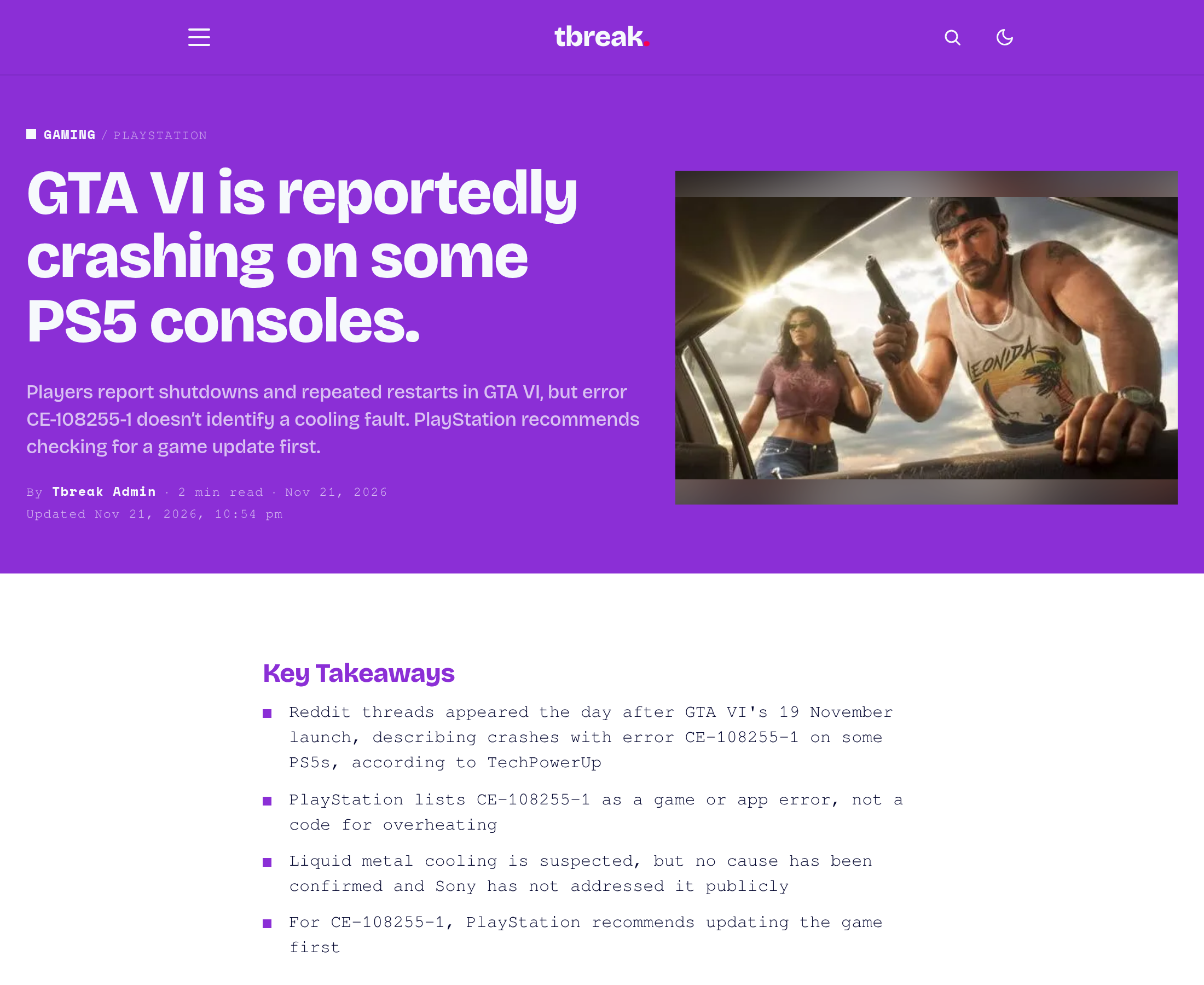
The two repairs Tbreak cites, a PS5 Slim in December 2025 and an older console in August 2026, show cooling damage without linking it to these GTA 6 crashes. A player quoted by Notebookcheck says there was no crash at all during the first five hours on a replacement PS5 Slim: that settles nothing. Tbreak specifies that a software cause is not ruled out, and points to the case of a console about three months old where restarting, clearing the cache and deleting the save data changed nothing.
What to try before paying for a repair
Sony gives instructions, to be followed in order. Neither Rockstar nor Sony confirms them as a remedy, and several players quoted say they change nothing.
- Update the game: this is the first instruction on the code’s page. Tbreak gives the path: highlight the game on the home screen, press Options, then run the check for updates.
- Check the console’s system software and free space, then go through safe mode (a minimal startup of the console) and choose “Clear Cache and Rebuild Database,” as described on Sony’s troubleshooting page for GTA VI. Players cited by Dexerto have already cleared the cache and rebuilt the database with no result.
- For a digital copy, reinstall the game after checking that the installation is complete. A factory reset comes only as a last resort: Tbreak reminds readers that it erases all of the console’s storage.
- Keep your saves safe before any heavy manipulation: our article on GTA 6 saves details the locations and the habits to adopt.
GTA 6 crashes come with a price tag too: two amounts are circulating, from two different players. The player in the Pipework mission writes: “I just paid $125 for my PS5 to be repaired and $100 for the game, this is ridiculous.” Dexerto does not verify that this repair has any link to GTA 6.
| Amount | Who reports it | What the sources say |
|---|---|---|
| $125 for repair, $100 for the game | The player in the Pipework mission (Dexerto) | Amount already paid, link to GTA 6 not verified |
| $230 before tax | Another player (Notebookcheck) | Quote given by one Sony agent; another agent reportedly mentioned a software issue |
Tbreak is blunt about it: the error code alone does not justify paying for a repair.






0 Commentaires
Aucun commentaire pour le moment. Soyez le premier à commenter !