

A monster has broken away from the group, its nameplate is lost in the crowd, and the map is open for the third time in ten minutes. The WoW Forever client, built on the Retail one (the modern edition of the game), keeps the means to handle all three situations in WoW Forever hidden options that few players open: a ping fired from a macro, a threat display on nameplates, an on-screen quest marker. Here is what the written sources say about each, and what remains to be confirmed for Forever.
These WoW Forever hidden options are client settings or commands, nothing more. Addons, for their part, remain restricted as on Midnight, which explains why the game builds this kind of tool in itself.
Pinging your target from a macro
A ping is a sound and visual signal placed on a location, an enemy or an ally, which the whole group sees. It arrived in the modern game with patch 10.1.7: Blizzard’s September 5, 2023 notes describe the G key, the ping wheel when holding the key, and the commands usable in macros. In WoW Forever, the ping system is set up under Options, Keybindings, in the “Ping System” section.
To aim at your current target without using the mouse, Blizzard gives the following macro example. A macro is a command line saved in an action bar button.
/ping [@target] attack| Command | Ping type |
|---|---|
/ping | Standard ping |
/ping attack | Attack here or this target |
/ping assist | Ask for help |
/ping onmyway | On my way |
/ping warning | Danger |
The [@target] fragment tells the command to aim at the selected target rather than the point under the cursor. The table lists the five forms given by Blizzard; the right-hand column is a gloss added by the editorial team. Those notes describe the 2023 Retail client: no Forever-specific text confirms the macro yet, even though the ping system does exist there. It takes a few seconds to try, in a macro placed on the action bar.

Threat shown on nameplates
Aggro (when a monster targets you rather than a teammate) is usually read with an addon. Midnight changed that: Blizzard’s January 21, 2026 notes announce “Added additional threat/aggro visual indicators, including updated color transitions.” The same list adds that nameplates now have their own section in the options, under Gameplay, with a setting named “Aggro display.”
For Forever, no Blizzard text details this menu yet. The client reuses Midnight’s base, but the setting’s label in the French client is not confirmed, and the names of its modes and the look of the signal remain to be read in game, in the nameplates section of the options.
| What the source says | Status for Forever |
|---|---|
| “Aggro display” setting in the new Nameplates section of the options (Midnight notes, January 21, 2026) | Written for Midnight; presence and French label to check in Forever |
| Visual threat and aggro indicators, updated color transitions (same notes) | Same caveat |
| Threat red changed to orange, orange changed to yellow | From the Midnight beta notes of December 11, 2025; not verified on Forever |
What can be written without reservation: the option exists on the Midnight side. What remains to be checked in game: the name of each mode and the look of the signal on a monster targeting you. For tanks, the setting avoids depending on a threat addon; existing addons are compared in our selection.
WoW Forever hidden options: the on-screen quest arrow
Last of the WoW Forever hidden options, in-game navigation is a golden diamond marker placed in the world on a quest objective or a map waypoint. A player describes this “in-game navigation marker (yellow diamond)” in a thread on Blizzard’s US forum dated December 28, 2024, which also reports that the marker can display far below the terrain.
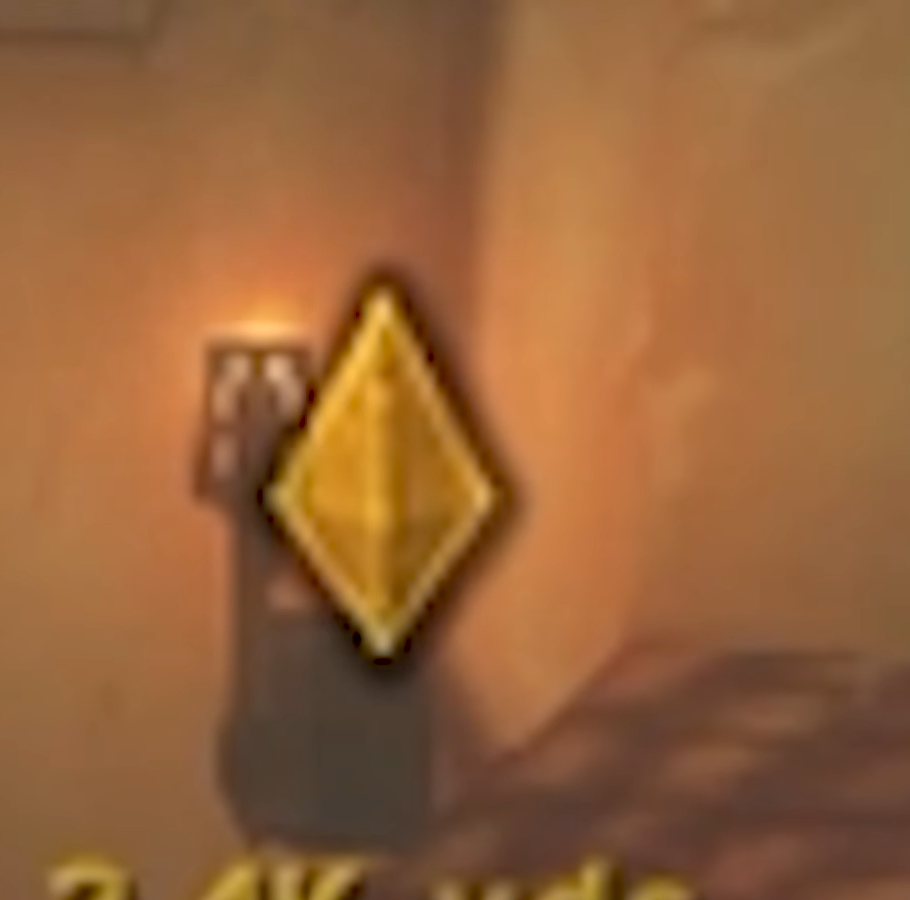
To turn it on or off, the lead comes from another thread on the same forum: a player writes there, on December 9, 2022, “Interface > In Game Navigation Or the CVar is showInGameNavigation.” A console variable (CVar) is set with /console, followed by its name and value.
/console showInGameNavigation 1Next, click the quest you want on the map and the marker appears on screen. That the value 1 turns the option on is not written anywhere in black and white: player posts only say that unchecking the box turns it off. The existence of this variable on the Forever client is not confirmed by any text either.






0 Commentaires
Aucun commentaire pour le moment. Soyez le premier à commenter !