Which WoW Forever addons should you install before the November 4, 2026 launch? In his October 21 video, Kami shares his personal top: a map that shows everything, action bars set up in seconds, threat you can read at a glance, then leveling, professions and dungeons.
He points out that Blizzard added addon restrictions, but most WoW Forever addons still work. Every addon mentioned here links to its CurseForge page. The ones Kami considers essential are gathered in our directory, sorted by category, and he asks players to tell him in the comments or on Discord which ones are missing.
OpenMap and Shortest Path Forever: the map and the route
Kami opens with a pair that works on the map in two ways. OpenMap removes the need to explore a zone to see it: zones and their levels are shown from the start, you can jump from one continent to another, and the map matches the minimap. In the demo you can also see the inside of cities. Clicking a dungeon shows its layout and the boss locations, like on Retail.
The second, Shortest Path Forever, works out the route to your quest. It mostly helps players who do not know the world by heart. In the demo, with a quest in Stormwind, it suggests using the hearthstone because it is bound there. With a quest picked up in Dalaran, it first draws the flight, then the walk. It also shows boat routes and where each one goes.
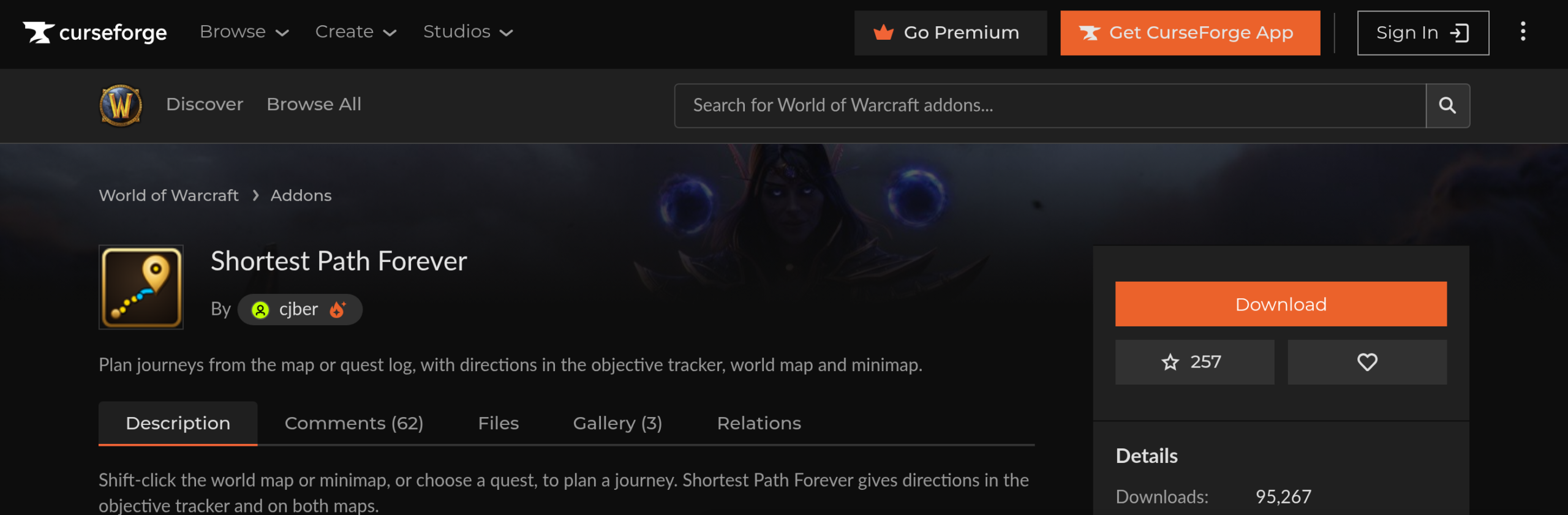
Checked on October 20 in our directory: OpenMap is a 0.7 beta. It conflicts with Leatrix Maps, Mapster and Magnify, so pick only one. For routing, Shortest Path Forever, Mapzeroth and Travelcraft do the same job, so one is enough there too.
Bartender4 and keybinds set with /kb
Bartender4 configures your interface: put your bars wherever you want and add extra ones. Kami admits that the game’s Edit Mode now does part of the job, so the addon is no longer mandatory. He keeps it for comfort.
His argument comes down to one command. Type /kb in the chat, configuration mode turns on, and you just pick a key for a spell. In the demo, Kami puts F6 on a buff and the key responds right away. A bind (a keyboard shortcut) takes a few seconds to set, without going back through the game menus. The two tools coexist: in Edit Mode, the bars managed by Bartender4 show up in green.
A tip that applies to all WoW Forever addons: on CurseForge, make sure to click Forever to see the compatible versions. Our directory says there is no « -forever » file for this one, because the Retail version already declares the Forever client interface.
Threat Plates: see threat on every nameplate
During filming, the CurseForge version of Threat Plates did not show up in the game’s addon list. Kami, who cares a lot about this addon, made a modified version. It is temporary, until the official update, and available in our directory, which also gives the current status of the CurseForge version.
The addon works on nameplates (the health bars shown above monsters). They show debuffs and the class of players, which helps in PvP. But its strength is threat handling. In the dungeon clip, Kami plays tank. The bar has three states: green, he has aggro (the threat that decides who the monster attacks); orange or yellow, he is losing it; red, he has lost it. When monsters switch targets, the bar changes color immediately, and Kami pulls aggro back onto himself.
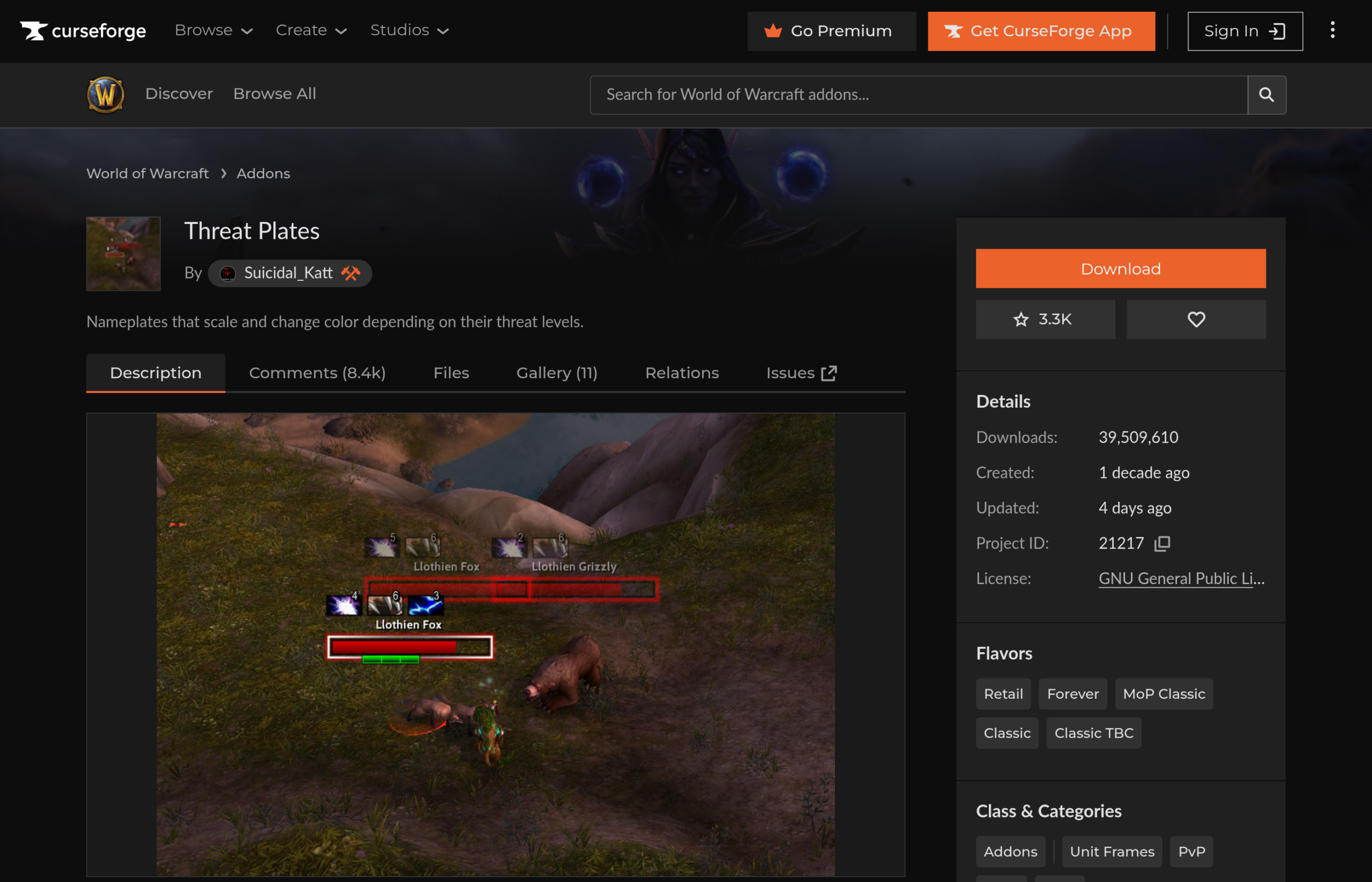
The color code flips for DPS. A red monster means you pulled aggro, which is bad. All monsters green is good for the tank. When a monster turns orange, it is the signal to hit it less hard before taking its aggro back. If the whole group uses the addon, threat balances out. For the tank, the overview makes it easy to switch quickly to monsters he does not have on him yet, which the default interface makes awkward.
Kami notes that Blizzard wants to make threat management more complex in this version of the game. With threat harder to hold, this is one of the WoW Forever addons that changes a tank’s dungeon life the most.
Leatrix Plus: everyday automations
Kami counts Leatrix Plus among the great classics, and it is one of the WoW Forever addons that already have a dedicated file. The addon handles the small chores for you: turning in and completing quests (except when a reward has to be chosen), accepting summons and resurrections, instantly releasing your spirit in PvP, selling worthless junk, repairing gear.
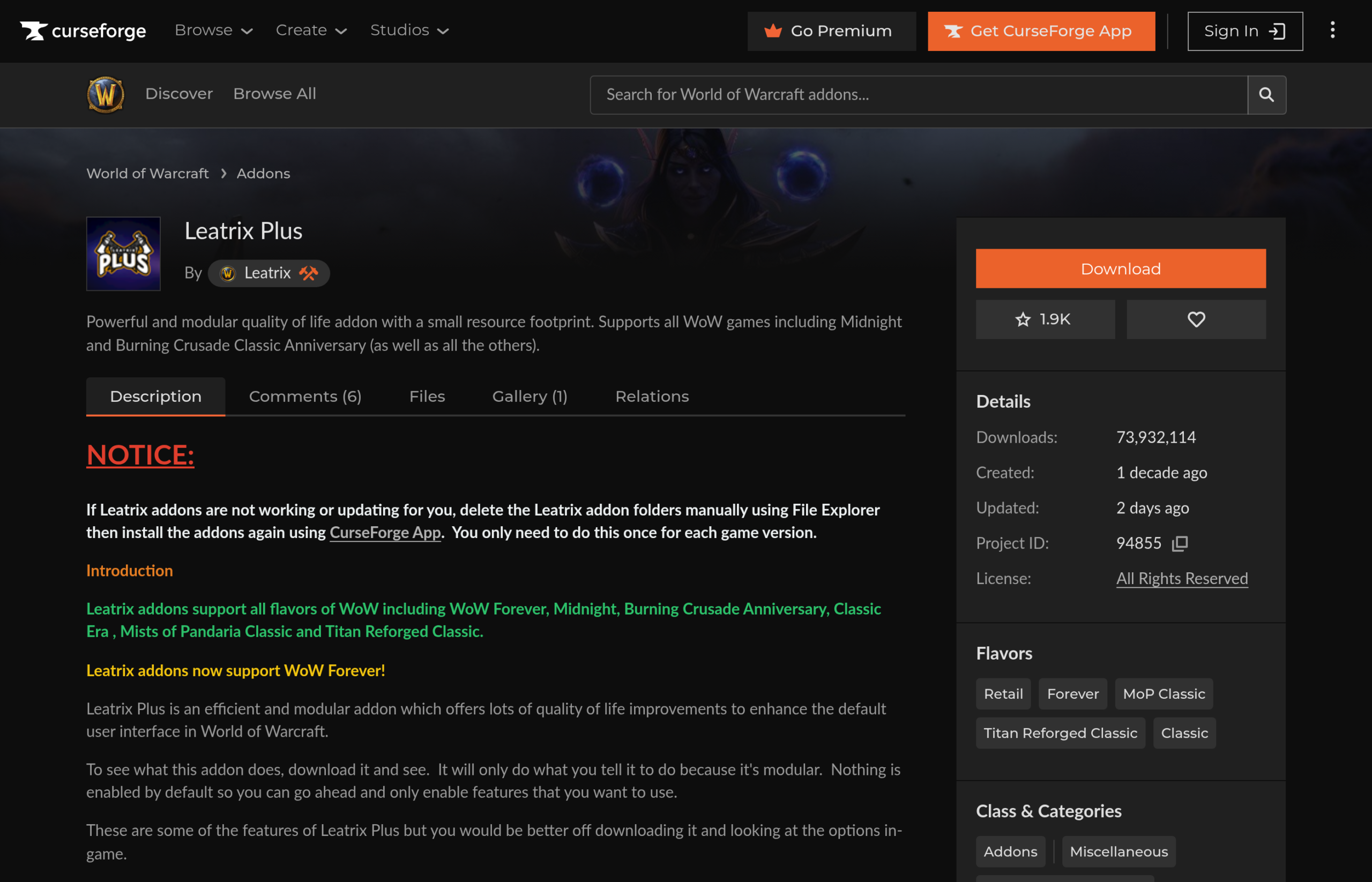
On the social side, it also blocks duels and invitations. The settings open with /ltp. Our directory lists version 1.60.21-forever, dated October 19, and the link opens the Forever files directly.
Know which spells await you at the class trainer
In the next chapter, Kami presents an addon that announces the spells unlocked at each level you gain. He recommends it mostly to beginners. His reason: on Forever, as in original Classic, going back to the class trainer takes time. He mentions 20 to 30 minutes of back and forth, sometimes for spells of little interest. Knowing in advance what is waiting for you lets you decide whether the detour is worth it.
The video does not name this addon. For this role, our directory lists GnomeLevelUp, by Captain_British: a level-up screen that shows stat gains and, as icons, the spells to learn at the trainer. Nothing says it is the one in the demo. The listing says it is a Release Candidate, a nearly final version that is not definitive yet, v1.4.0.
SkillUp Forever for leveling professions
Kami says it plainly: on Forever, professions will matter. SkillUp Forever, by cjber, helps you optimize the climb: the addon tells you how many skill points each craft can earn, and which crafts are the most profitable.
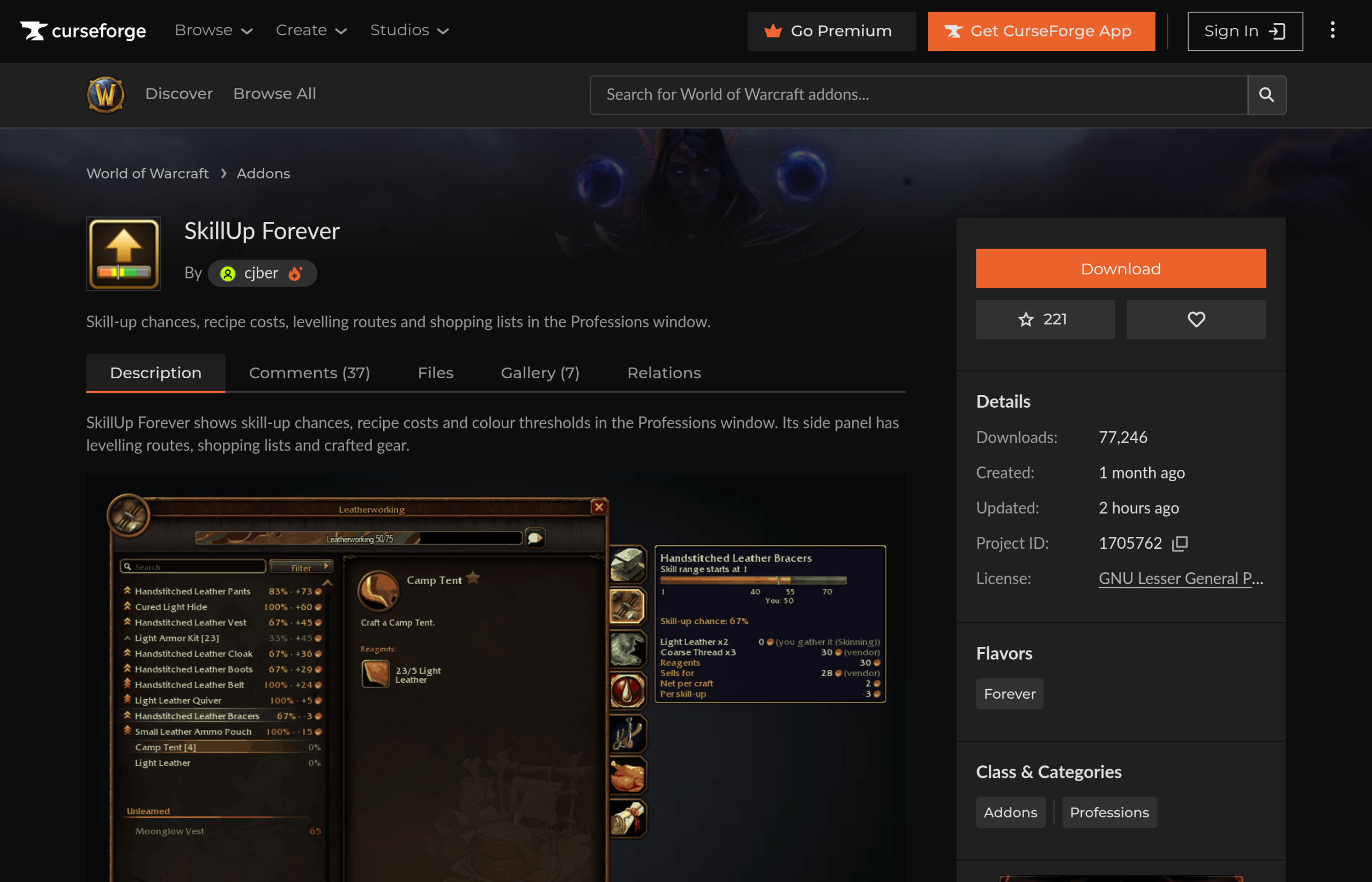
The screenshot shows it: the chance percentage and the cost appear directly in the recipe list. According to the directory (version v0.18.10-forever from October 21), the addon also adds leveling routes, shopping lists and a crafted gear tab.
Better Forever Chat: everyone’s class in the chat
Kami discovered it recently. Better Forever Chat, by aehya, shows the author’s race, class and level in front of every message, and lets you enlarge the text. When someone speaks or whispers you to join a group, one glance tells you whether they match what you are looking for.
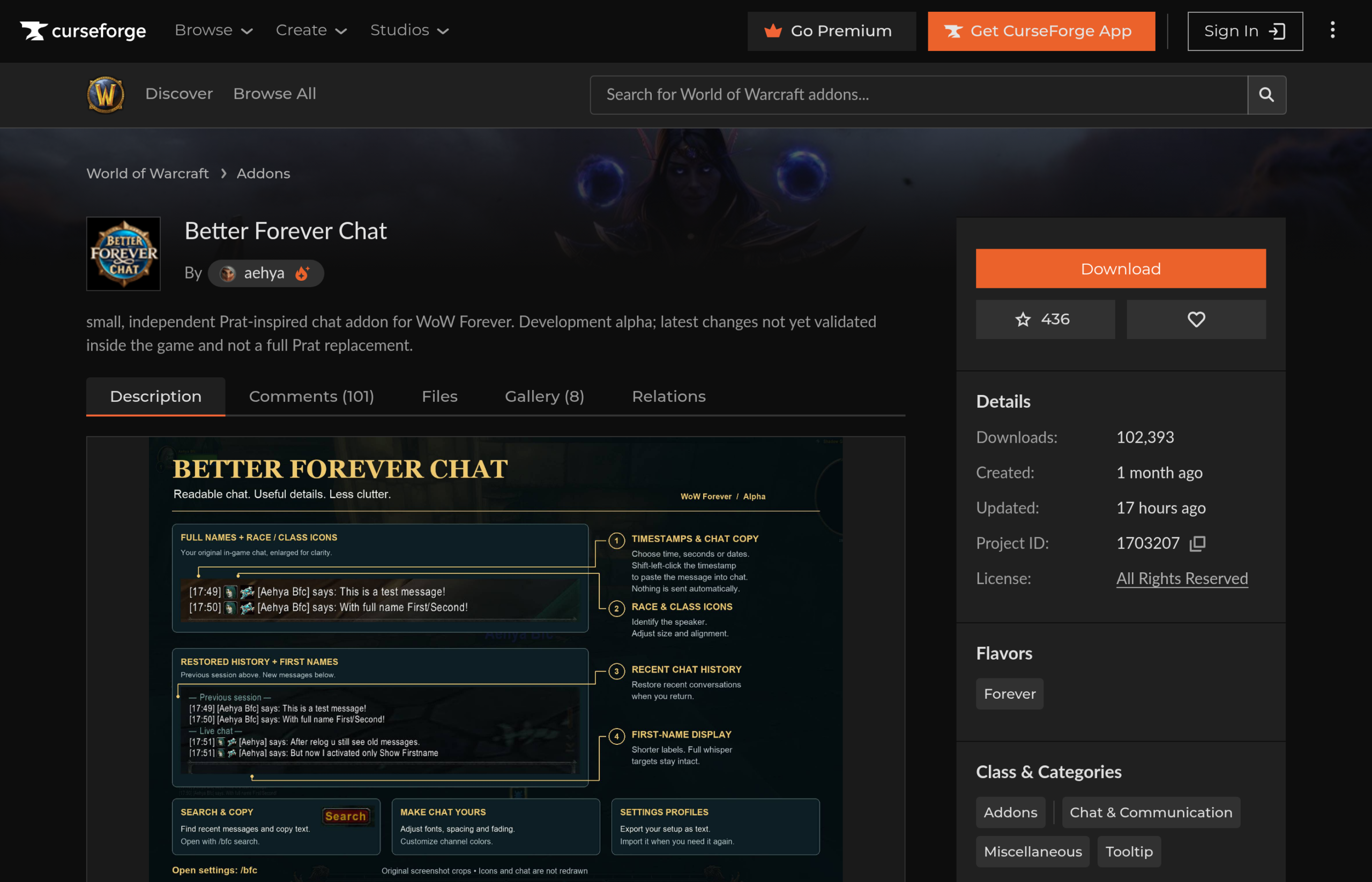
Watch the status: version 0.13.11 is a development alpha. The author warns that settings and history may not reload. Export your profile to keep a copy. Do not confuse it with « Forever Chat », another addon.
RestedXP, the leveling guide partnered with the channel
RestedXP is a leveling speedrun addon (gaining levels as fast as possible). It picks the most profitable quests for you and points to them with the little blue arrow to follow. Kami says it was already the addon he used for his leveling before any partnership.
Paid partnership: RestedXP supports the channel. Kami’s affiliate link gives 10% off, and every purchase made through it supports the channel and the site. Levels 1 to 20 are free, enough to test before paying. The full version now includes dungeons and their most profitable quests, and will be available in French for launch.
One detail from the video: when Shortest Path Forever is active at the same time, it replaces the RestedXP blue arrow with its own interface. Both point to the same thing, but Shortest Path Forever also draws the route on the map, which Kami prefers.
Two pages cover what comes next: installing RestedXP step by step, and the RestedXP dungeon guide for the dungeon part of the full version.
Questie, the free alternative
Questie does not optimize your routes. It tidies your quest log and points you to quest locations on the map. Our directory pairs it with QuestieTrace, which records Forever’s new quests, missing from the Classic database, and sends them to the team.
Kami qualifies his own advice: in his opinion, the default game interface partly replaces Questie. Our comparison of leveling addons puts RestedXP, Zygor and Questie head to head.
Clique, the healers’ addon
For healers, Kami names Clique, one of his favorites and one of the simplest. It sets up spells on click over your unit frames (the group frames), without installing a big healing suite.
He warns that the addon is not quite up to date yet, « in beta ». Our directory confirms it: Clique only has test (alpha) versions on CurseForge so far, including v5.1.3 from October 1.
Dungeon Journal and AtlasLoot to prepare dungeons
DungeonJournal (command /dj) shows the bosses, their loot and the dungeon map. Kami finds it more intuitive than AtlasLoot. Only dungeons are covered for now, not raids.
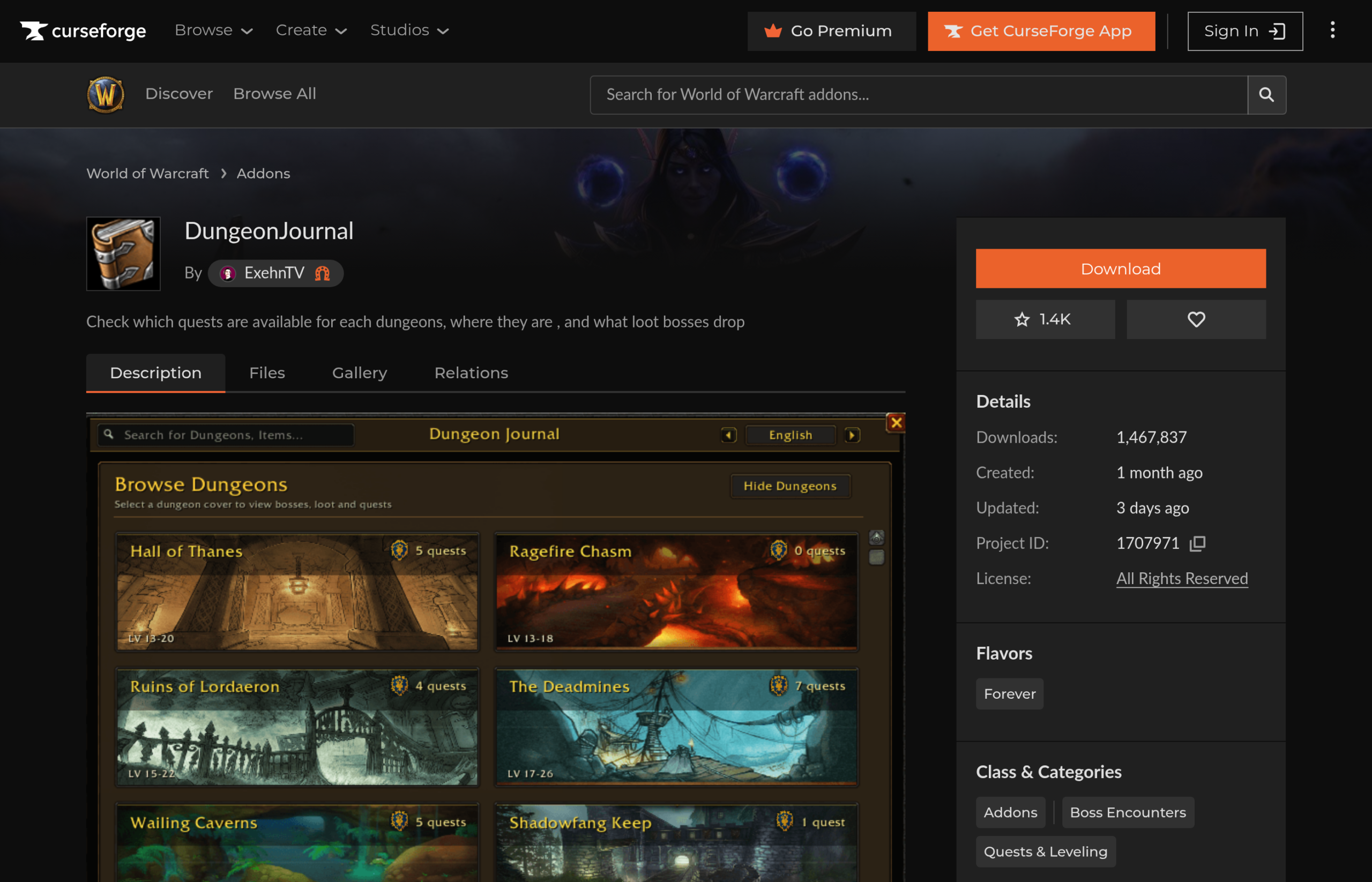
What matters most to him is the quests inside. The addon shows the rewards, the position of quest givers on your map, and the quest chain in order, with the first one to locate. Dungeon rewards will change the game for leveling faster. Limit flagged by the directory: loot tables for 30+ dungeons and raids are still incomplete.
As a complement, AtlasLoot Classic Forever and FojjiCore list every loot table. Their data feeds our BiS List, with the authors’ permission. Be careful, more than 11 AtlasLoot projects coexist: the historic page has no Forever version.
Installing your WoW Forever addons
Kami demonstrates with SkillUp Forever. The method works for all WoW Forever addons.
- Start from our directory: each listing links to CurseForge, directly on the Forever files tab. On CurseForge, check that a Forever version really exists.
- Click the latest version: a zip file downloads.
- In the Battle.net launcher, click the little cog, then « open installation folder » (« Show in explorer »).
- Open the folder for the game version you play. During the beta, it is the Classic beta folder, according to the video.
- Open the Interface folder, then AddOns: this is where all your addons live.
- Paste the zip there, then extract it with your usual software (« extract here »).
- Delete the zip so you do not leave useless files lying around.
- Type /reload in the chat, or wait for a loading screen: the addon shows up in game.
In the demo, SkillUp appears in the professions window and shows the chance that each recipe raises your skill.







0 Commentaires
Aucun commentaire pour le moment. Soyez le premier à commenter !