
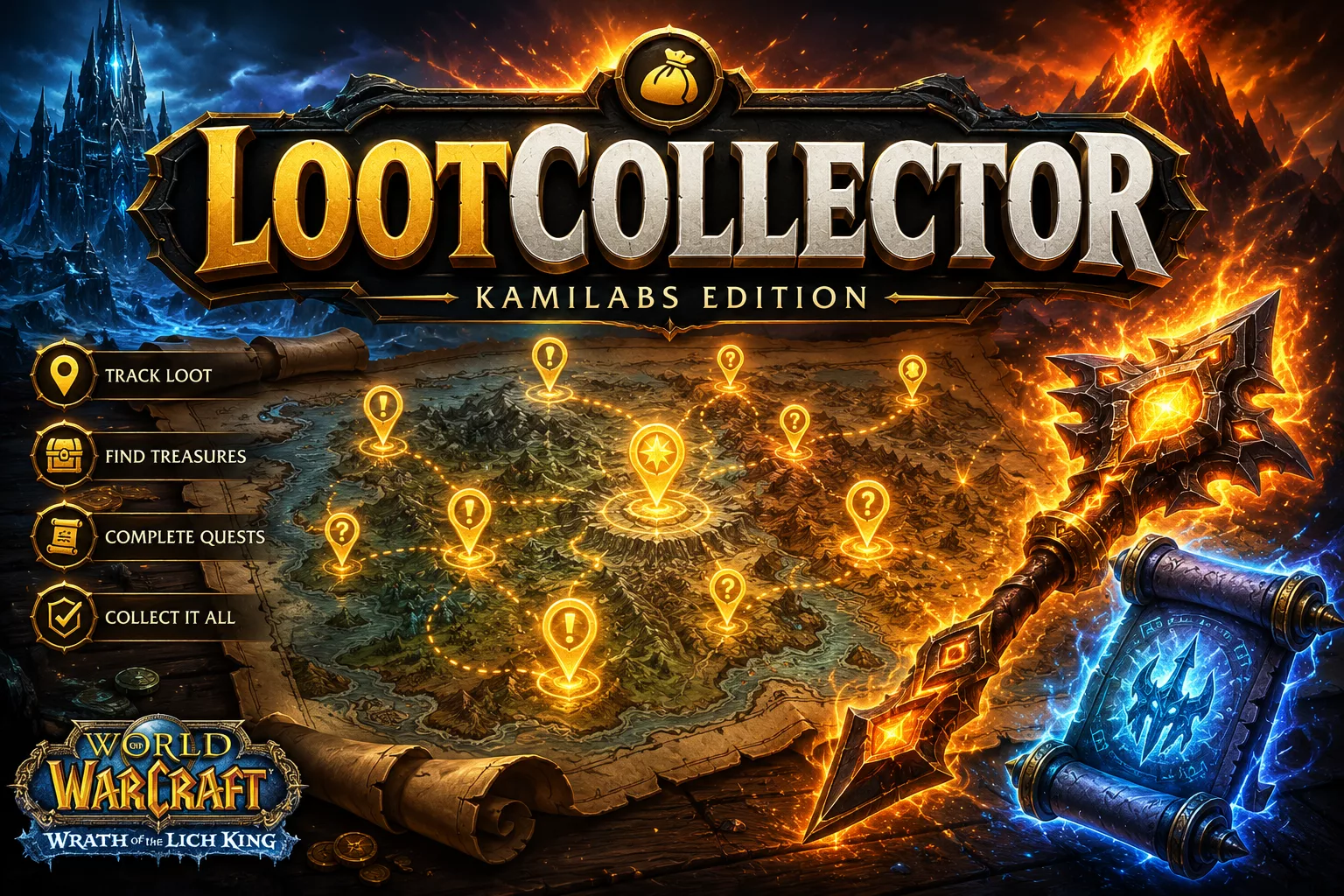
A newer version 1.0.2 is available. Please update! in game? You’re in the right place — version 1.0.2 is at the bottom of this page.LootCollector — KamiLabs Edition is a community fork of the LootCollector addon for World of Warcraft 3.3.5a, built for the Project Ascension private server (Bronzebeard realm). It turns loot hunting on its head: instead of digging through the web, you see right on your map where to grab every Worldforged item and every Mystic Scroll, with a powerful search and custom lists. Version 1.0.2 fixes a flaw that could freeze the game when you opened a vendor, and adds a list filter to the map — it is available at the bottom of this page. Everyone should update: the freeze hit any merchant with a large stock, with nothing unusual on your part to trigger it.
What’s new in 1.0.2
One fix everyone should take, and one feature that was missing. The vendor freeze was never about your machine: the addon kept restarting itself in a loop, and the bigger the merchant’s stock, the worse it got.
- Opening a vendor no longer freezes the game. At a merchant with a large stock — a PvP honour vendor, say — the game could stutter badly, hang for several seconds, or become unusable. The addon did scan the merchant’s stock once, but its internal throttle was never armed for ordinary vendors, so every refresh of the window restarted a full scan. And since scanning an unknown item asks the server for its data, whose arrival refreshes the window again, the loop fed itself. The throttle now arms for every merchant.
- New filter: show only items from your lists on the map. The map’s filter menu gains a « N’afficher que » entry, letting you keep only the discoveries that belong to one of your lists, or to any of them. Handy for a focused farming session: build your list, switch the filter on, and the map shows nothing but what you are after. It applies to the minimap and the Nearby Discoveries list too, and it stacks with the other filters.
- The filter button tells you when a filter is on. The small
LCbutton on the map readsLC*while a list filter is active. An almost-empty map is never a mystery — one glance tells you that you asked for it. - Deleting or renaming a list never hijacks your filter. Filter on a list, then delete it, and the filter simply switches off and the map shows everything again. It never silently jumps to a different list. Recreate a list with the same name and your filter comes back on its own.
Installing and updating
Whether this is a fresh install or an update from an earlier build, the steps are the same — and they start with closing the game.
- Close World of Warcraft completely. It is the safest way to reload the addon cleanly, without leaving the old version running.
- Copy the three folders into
Interface\AddOns\. Download the archive, extract it, then put the three folders (LootCollector,LootCollector_StarterDB,LootCollector_CustomImport) directly into your client’sInterface\AddOns\folder, overwriting the old ones when prompted. - Launch the game and check your addons. At the character selection screen, open the AddOns list and make sure all three folders are ticked. Then log in: a confirmation message on load tells you the addon is active.
Interface\AddOns\, not in a subfolder. The correct path looks like Interface\AddOns\LootCollector\. If, after extracting, you end up with a parent folder that contains the three folders (for example Interface\AddOns\LootCollector-KamiLabs-Edition\LootCollector\), move the three folders up one level.Your discoveries, your lists and your settings are not affected by the update: they live outside the addon folders and come back untouched when you log in.
What is LootCollector for?
The right item for your build
Find the items that fit each build and filter by specific stats to pin down exactly what you need.
Epic items
Spot epic (Worldforged) items right on the map and head straight to their location.
Optimized routes
Build your pickup lists and optimize your travels zone by zone.
The addon in pictures
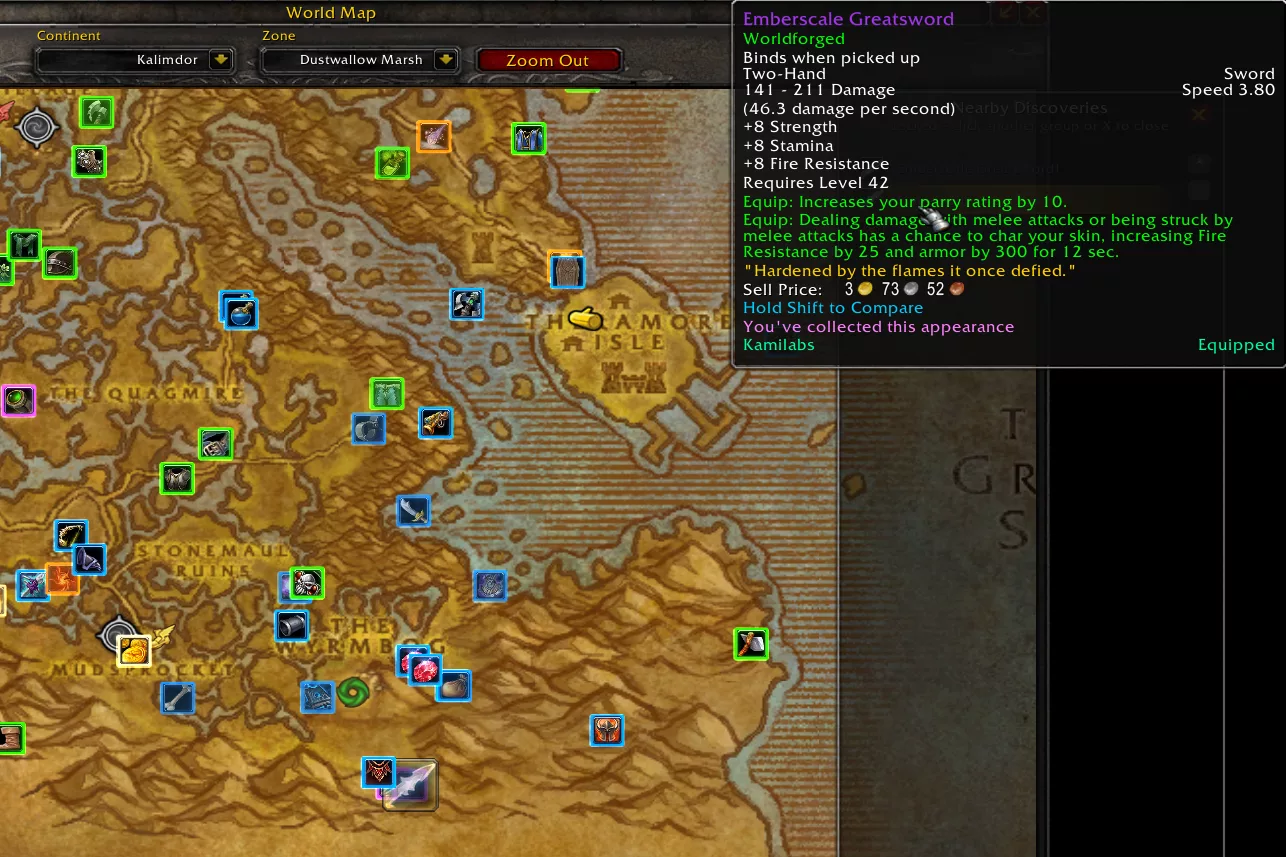
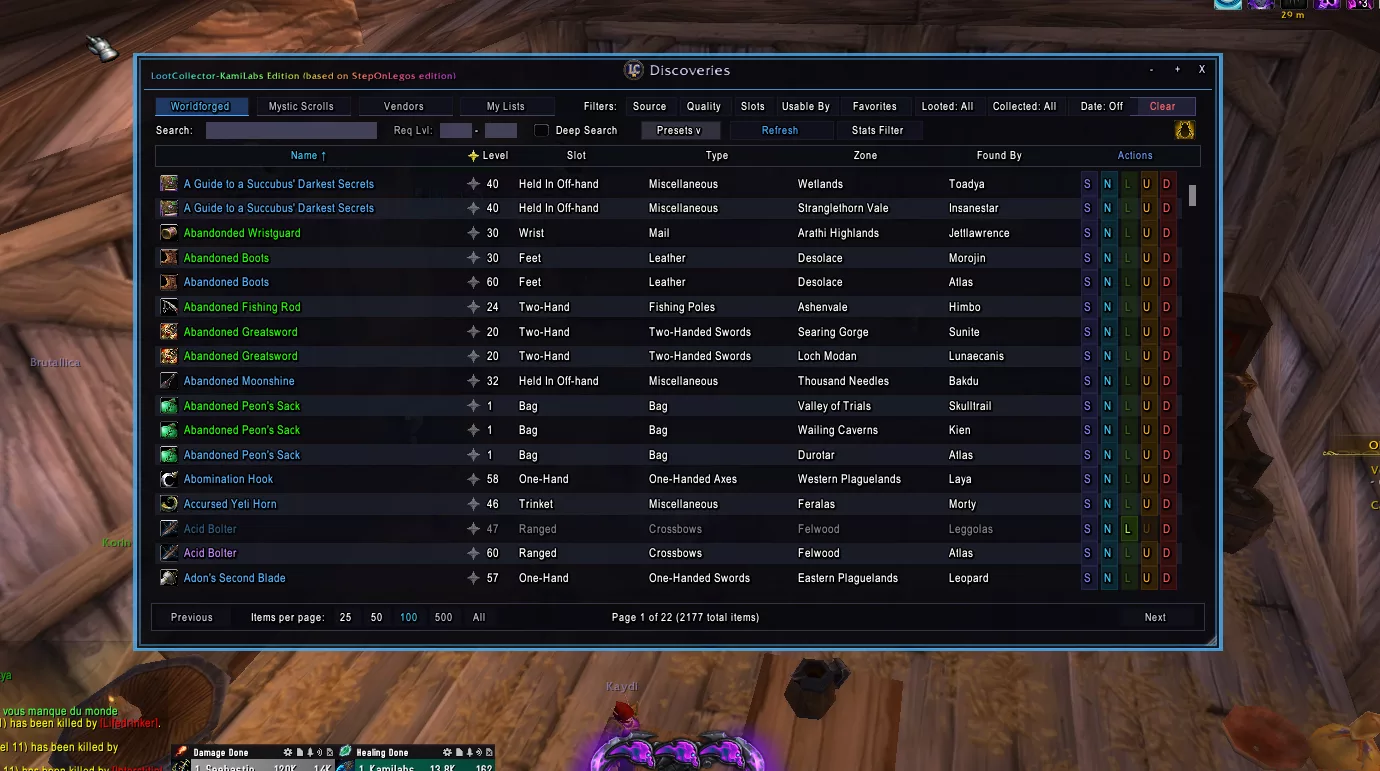
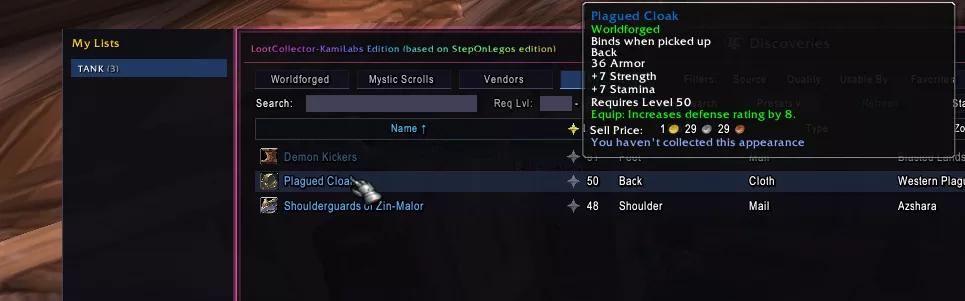
Independent network
This edition uses its own communication channel, entirely separate from the original addon’s (StepOnLegos edition). Players using LootCollector — KamiLabs Edition only share their discoveries with each other: they do not receive discoveries from the original network, and vice versa, without ever disrupting it.
To make up for this fresh start, the addon ships with a starter database (StarterDB) that provides several thousand discoveries right from the first launch. This is a deliberate choice: the more players join this edition, the richer our shared database becomes, entirely independently of the original network.
Useful commands
/lc— opens the addon’s options panel./lcviewer— opens the « Discoveries » window./lcshare— shares your discovery database with nearby players.
Earlier releases
For the record, version 1.0.1 brought:
- No more wrongly blacklisted players. 1.0.0 broadcast two housekeeping messages that older versions could not read and rejected as invalid — after seven rejections the sender was permanently blacklisted, having done nothing wrong. Hence the repeated red
PERMANENTLY BLACKLISTEDlines. Broadcasting those two messages is paused until the community has migrated, and this version reads them normally when it receives them. - Your block lists are cleaned up automatically. The first time you log in after updating, players blacklisted by mistake through the issue above are unblocked on their own, once and for all. Blocks placed for identity spoofing are kept — those were deserved.
- Your blocks survive updates. Moving to a new version used to wipe the legitimate blocks you had placed yourself. That no longer happens.
- No more repeating errors on Conquest of Azeroth. On some custom servers the game returns item information in an unexpected shape, which triggered a Lua error in chat every few seconds. That data is now checked before it is used.
Download the addon
LootCollector — KamiLabs Edition
Vendor freeze fixed, and a new list filter for the map — published July 30, 2026
Download LootCollector 1.0.2 (~738 KB)LootCollector-KamiLabs-Edition-1.0.2-20260730.zip755,381 bytes (~738 KB)f588eb474c55a994282d81113d33328313228e1d402463a999a00e20c9c79d9fThe full changelog, with the detailed history of every version, is available in the CHANGELOG.md file included inside the LootCollector folder of the archive.





0 Commentaires
Aucun commentaire pour le moment. Soyez le premier à commenter !