
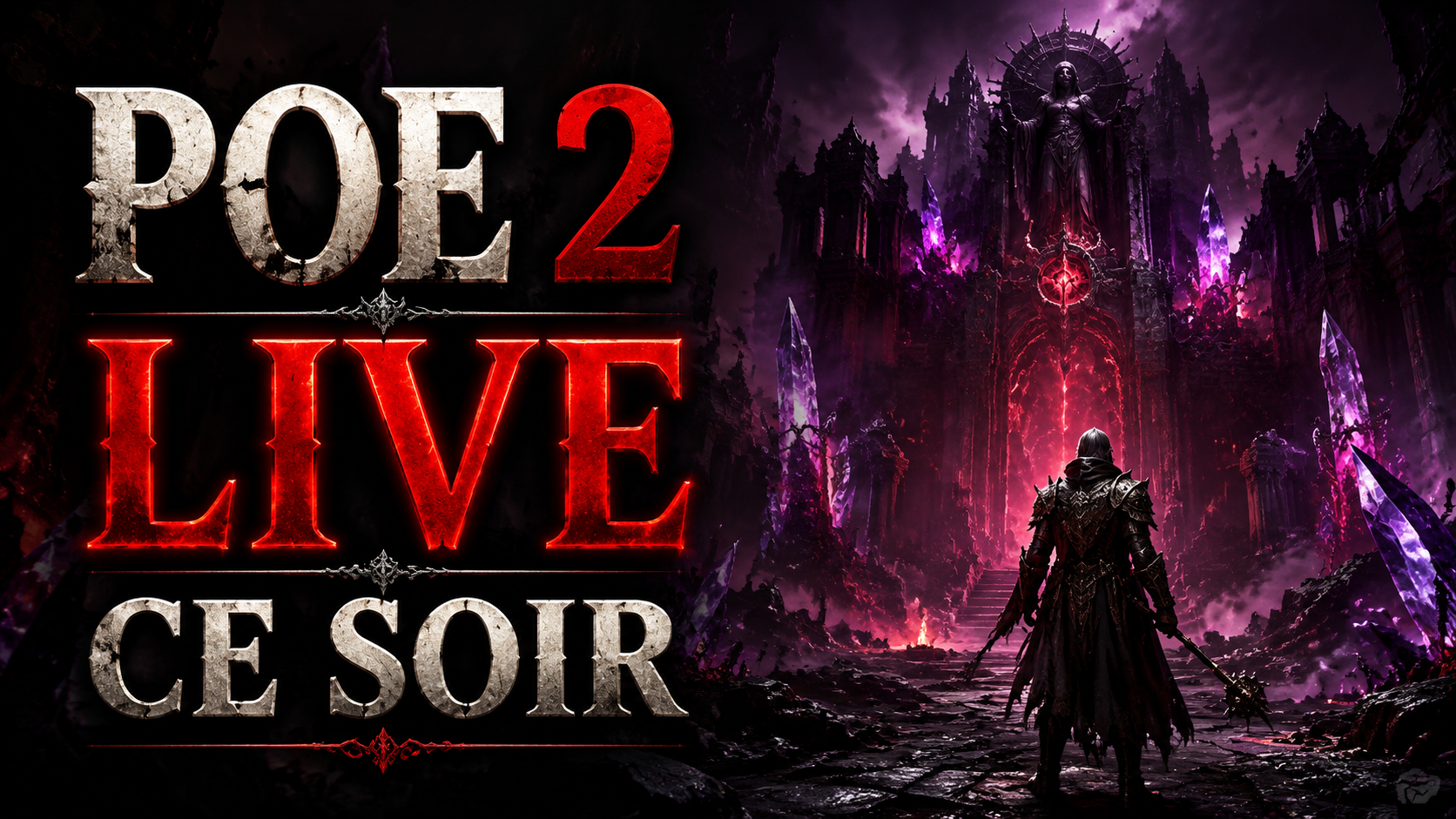
Grinding Gear Games is stepping on the gas. The studio officially announces PoE 2 Return of the Ancients as Season 5, with the reveal livestream set for Thursday May 7th at 1PM PDT (10PM CEST). This is the first major unveiling of the upcoming Path of Exile 2 update, and GGG is putting an exclusive Twitch Drop on the line for viewers: the hideout decoration Red Queen’s Font. Full details are in the official announcement on the Path of Exile forum. If you’re a PoE 2 Return of the Ancients fan, tonight is the night.
The event follows up on the teaser revealed in late April around patch 0.5. The full details of the reworks and major additions — already partially covered in our recap of the four announced overhauls — will finally be presented live by the developers. Everything tied to PoE 2 Return of the Ancients will be on the table. If you’re here for the decoration, carve out 60 minutes tonight. It’s free.
PoE 2 Return of the Ancients livestream: tonight at 1PM PDT
GGG is broadcasting the PoE 2 Return of the Ancients reveal on the official channel twitch.tv/pathofexile, starting at 1PM PDT studio time — that’s 10PM CEST on Thursday May 7th. The stream covers everything coming in the next Path of Exile 2 update.
This is the first official reveal of patch 0.5 content. Everyone is expected: new skills, reworks that have been promised for weeks, endgame adjustments. A clear picture before the update actually drops.
If you can’t watch live, the VOD will stay up afterward — but the Twitch Drop requires you to be present during the promo window. Better to run the stream in the background than miss the decoration.
The Red Queen’s Font: the decoration to grab
The Twitch Drop for this event is the Red Queen’s Font. A hideout decoration in pure Path of Exile fashion: a crimson spiral structure, cascades of blood flowing down stone, a central ornament that echoes the most iconic antagonists in the series. The visual fits perfectly in any dark fantasy hideout.
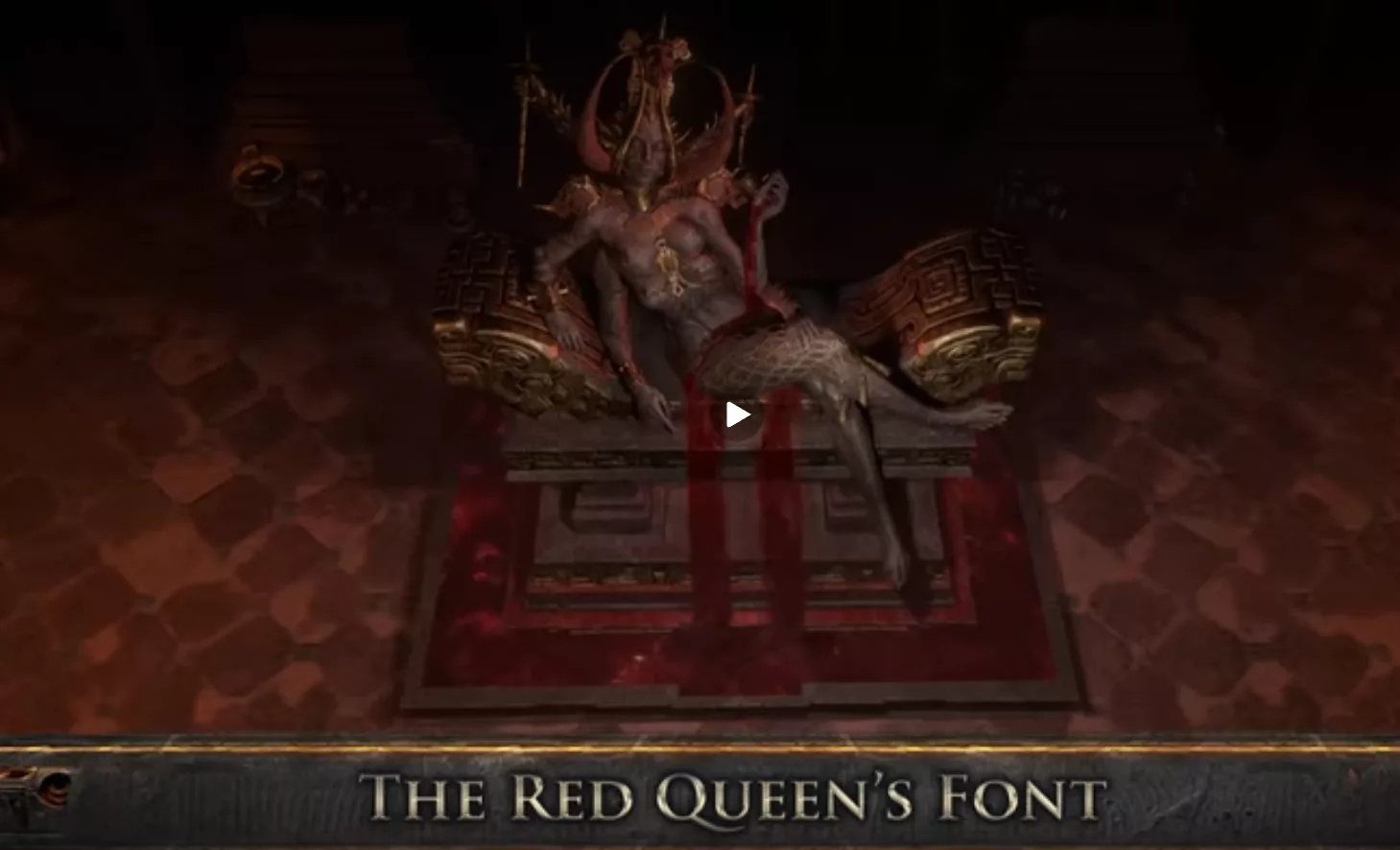
GGG notes that the decoration won’t stay exclusive to the drop forever — it will eventually land in the microtransaction store at a price yet to be announced. But tonight it’s free if you meet the conditions, and it works in both PoE 1 and PoE 2 hideouts. No reason to skip, especially if you collect rare decorations.
60 minutes of stream to earn your drop
The rule is simple: 60 cumulative minutes of watching on any Path of Exile 2 stream with drops enabled, during the promo window. That counts on the official GGG channel as well as on any streamer in the Path of Exile 2 Directory who has enabled drops in their Twitch Creator Dashboard.
The window opens Thursday May 7th at 1PM PDT (10PM CEST) and closes exactly 24 hours later on Friday May 8th at 1PM PDT. You have plenty of time to rack up your hour even if you can’t watch the live in one sitting.
Remember to claim your reward from your Twitch Inventory before the promo ends. Once claimed, the decoration appears in your in-game microtransactions, ready to place in your hideout.
Link your Path of Exile account to Twitch in 30 seconds
If your account isn’t linked yet, this step is mandatory. Without the connection, the drop won’t land in your Twitch inventory and you’ll have watched for nothing. Good news — it takes literally 30 seconds once you’re logged in.
Head to the Twitch Settings page on your PoE account. If the connection is inactive, click the Connect button under the Other Connections section. Twitch will ask for authorization, you confirm, and you’ll be automatically redirected back to the PoE page which should display the message Your Path of Exile account is currently linked to your Twitch account.
If the link already exists, nothing more to do. You can start the stream and rack up your hour without any hassle. For streamers who want to enable drops on their own channel during the live, the setting is in the Twitch Creator Dashboard, under drops campaigns.
📖 Retrouvez tous les builds et guides Path of Exile 2 : Voir tous les builds PoE2 →







0 Commentaires
Aucun commentaire pour le moment. Soyez le premier à commenter !