
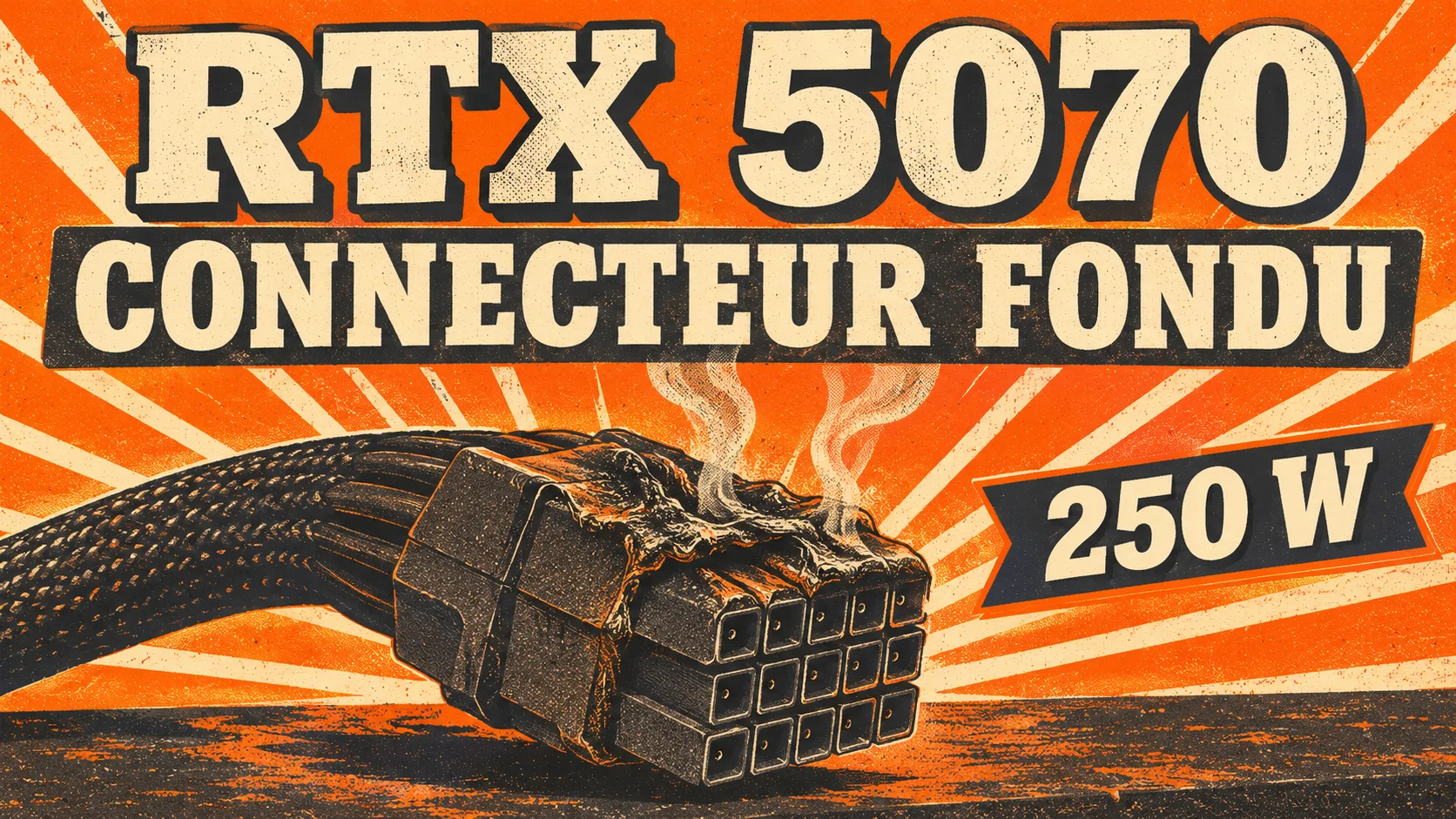
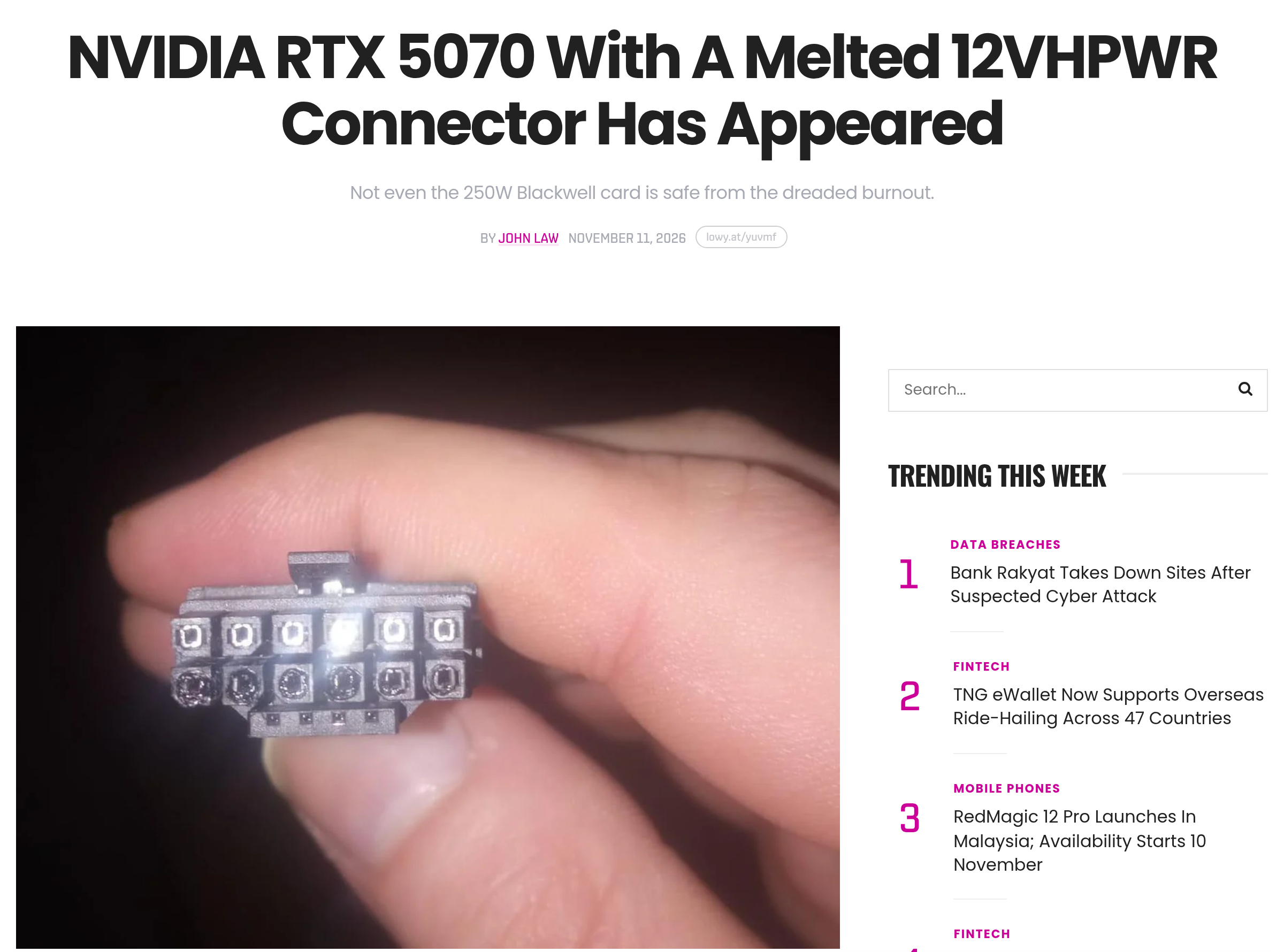
Random black screens, then reboots: that is what a Reddit user describes about a friend’s card, before the photo of a melted power connector. Lowyat.NET relayed that photo on November 11, 2026: the card is an RTX 5070, rated at 250 W at most.
That is less than half of the 600 W the 16-pin connector, called 12VHPWR and then 12V-2×6 in its revised version, is designed to carry. The case mainly shows what is not known: the photo comes from a third party, the cause is not established, and nothing points to the card as the culprit.
RTX 5070: a second-hand photo, a cable perhaps not fully seated
The original post, titled “Melted 12VHPWR cable on 5070,” was published on r/pcmasterrace. Its author presents the card as a friend’s. According to Lowyat, the author adds that the friend may not have pushed the cable in all the way, a hypothesis the outlet finds plausible: a poorly inserted connector makes bad contact and heats up.
Lowyat does not specify the brand or exact model of the card, and quotes no reaction from Nvidia or a manufacturer. Our searches on November 13 found none either. The outlet did not verify the photo, credited to Reddit. The known precedent for this model dates from April 2025: Notebookcheck then reported a melted cable and a damaged connector on a Zotac RTX 5070, on April 14, 2025.
Cards from 250 to 600 W, causes still debated
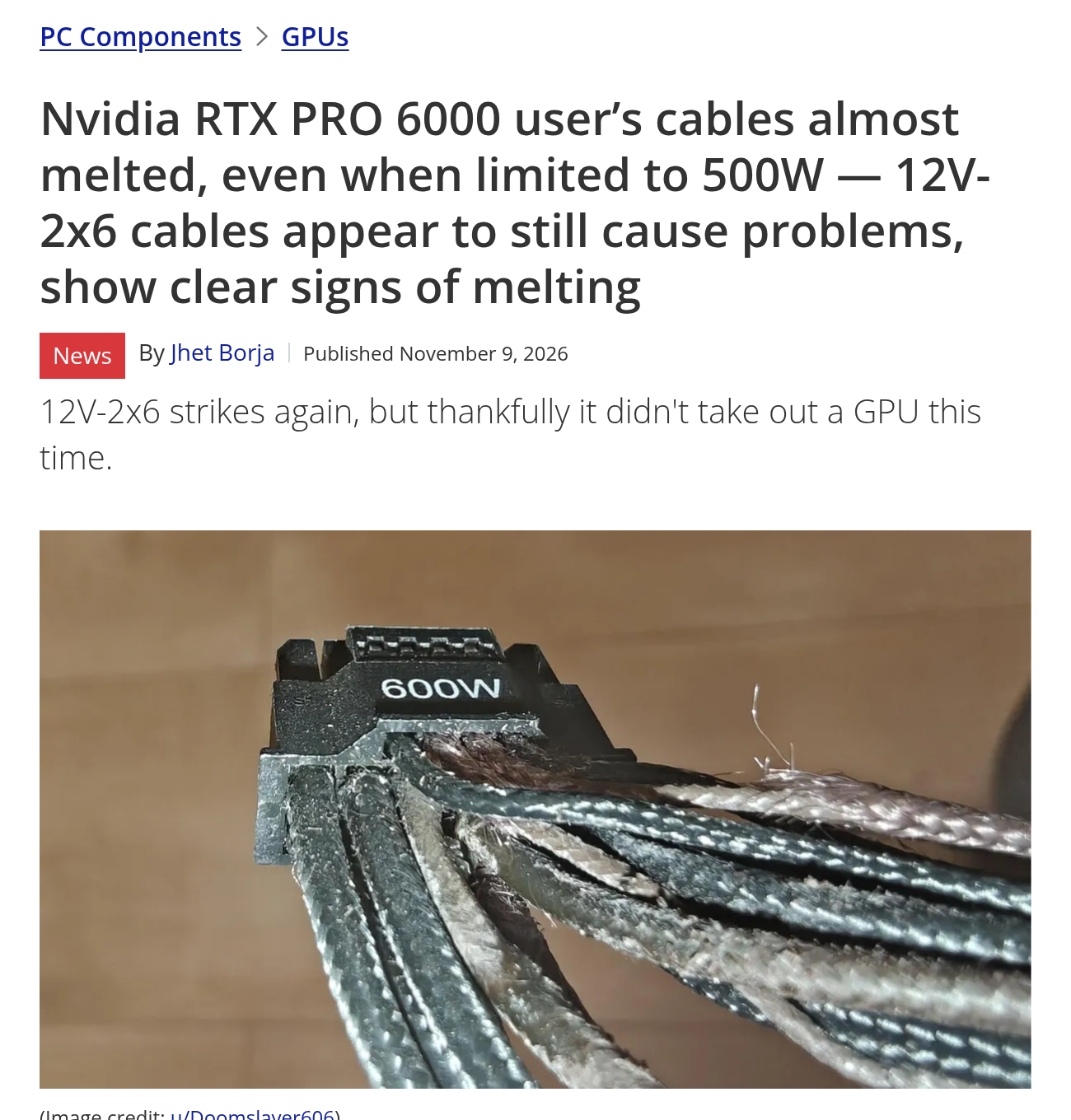
Three reports came in between November 9 and 11. On the 9th, Tom’s Hardware (Jhet Borja) showed the cables of two RTX PRO 6000 professional cards, capped at 500 W (power limit lowered in the settings): frayed, stiff, cracked sleeves. The outlet speaks of cables “almost melted” and notes “it didn’t take out a GPU this time.” So this is not a confirmed meltdown.
| Date | Card | What is reported | Source |
|---|---|---|---|
| November 11, 2026 | RTX 5070 (brand not specified), 250 W | Melted connector in a friend’s photo; cable perhaps not fully seated | Lowyat.NET |
| November 10, 2026 | ASUS Prime RTX 5070 Ti | Melted 12V-2×6 connector, charred plastic dividers; the owner worries about the warranty | GameGPU, based on a post on r/gpu |
| November 9, 2026 | Two RTX PRO 6000, capped at 500 W | Cable sleeves damaged, cards unharmed; no confirmed meltdown | Tom’s Hardware |
| September 14, 2026 | RTX PRO 6000, ASRock Taichi TC-1650T power supply | 12V-2×6 plug melted on the power supply side, despite a temperature sensor | Igor’s Lab |
| April 13, 2026 | MSI Vanguard RTX 5070 Ti, about 300 W | Connector melted with the supplied adapter; cable pressed against the glass panel and sharply bent in the photos, an unverified hypothesis from commenters | GameGPU |
Several of these cases come from private individuals’ forum posts, which outlets relay without being able to verify them. Our site has already covered the same defect on other models, including an MSI RTX 5090 Vanguard with its original cable and the repair shops that receive RTX 4090 and 5090 cards.
What a partial contact changes
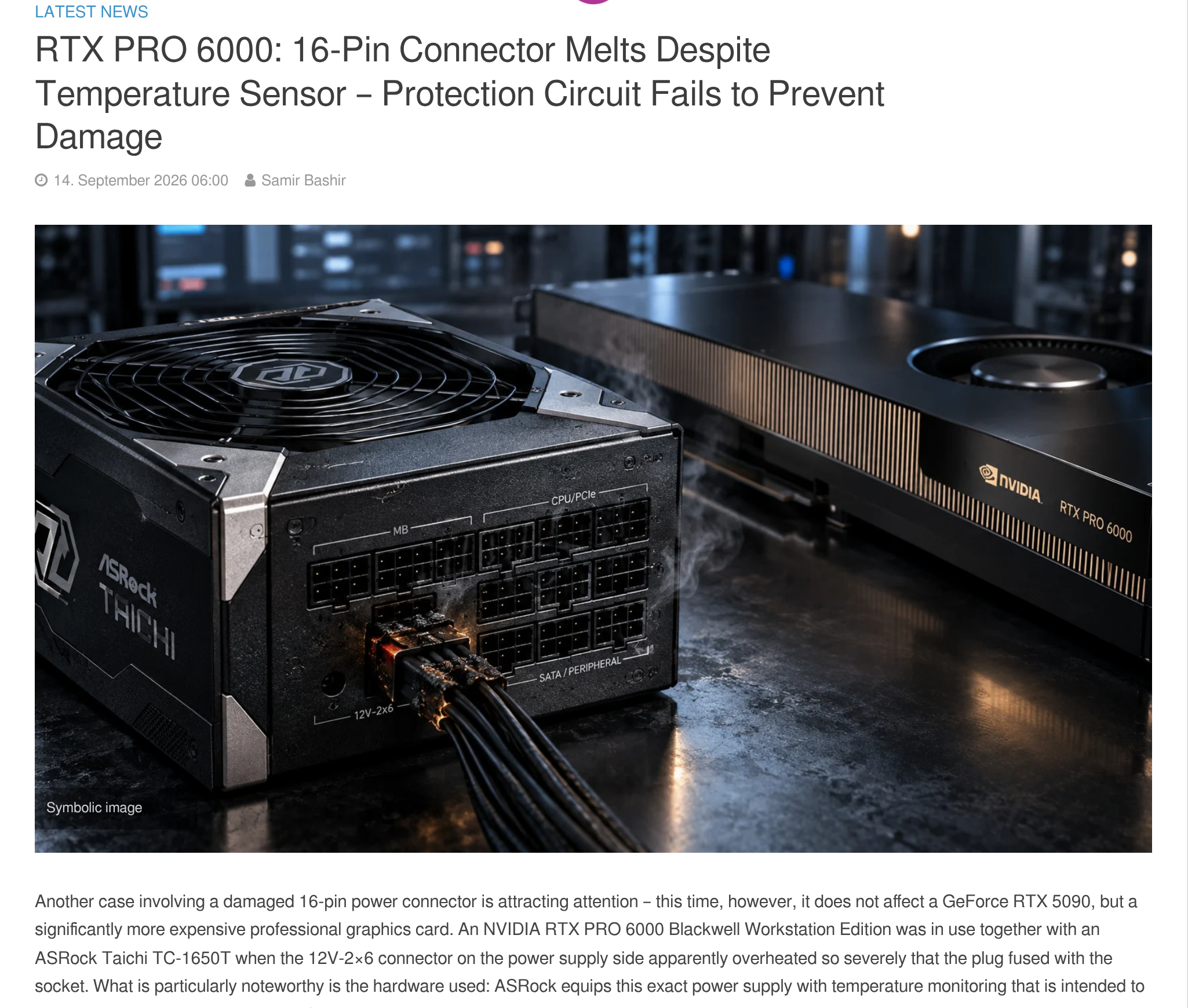
A built-in protection does not solve everything. At Igor’s Lab (article by Samir Bashir, September 14, 2026), the plug of an RTX PRO 6000 melted on the power supply side despite a temperature sensor. The outlet reports an analysis according to which this sensor, placed on the ground-pin side and measuring outside the sleeve, would react too slowly. On power alone, see also our article on an RTX 5090 that holds 900 W on old 8-pin connectors.
Tom’s Hardware points out that at 500 W, each positive pin should carry 6.94 A, too little to noticeably heat a 16 AWG wire. The outlet cites uneven current distribution between the pins as a frequent cause of overheating. At 250 W, the same calculation gives about 21 A in total at 12 V, or around 3.5 A per pin with equal shares: a pin that makes poor contact takes on more, and the rest follows.
Power supply maker Corsair (page of May 12, 2026, which promotes its own cable fitted with a thermal circuit breaker) explains the mechanism: partial contact increases the resistance of each pin, and heat grows with the square of the current. The 12V-2×6 revision moved the sense pins back, so the connector is pushed in fully before the card starts. Corsair adds that a connection that was correct at build time can loosen with cable tension, vibration or repeated plugging. Its demonstration: on an RTX 5090 in a 60 °C room, with a deliberate 3 mm gap, the connector exceeded 115 °C in under 1 minute 20 seconds before the protection shut the card down. This is a manufacturer’s test on its own product, not an independent measurement.
Checks to make at home
The guidance comes from Corsair, which sells power supplies and cables: we could not consult the PCI-SIG specification (the body that defines the connector) or any dedicated Nvidia guide for the RTX 5070. Black screen, random reboot: that is the symptom described in the case relayed by Lowyat, before the melted connector was discovered.
| Check | What the source says |
|---|---|
| Push in until it clicks | Corsair: “Push the connector in firmly until you hear the retention latch click.” |
| Check the connector with a flashlight | On Corsair’s ThermalProtect cable, a visible gray tip signals an incomplete connection. This marker is specific to that cable. |
| Do not bend right at the plug | Corsair: keep about 30 mm of cable before a bend and avoid 90° angles. A 90°-angled cable exists for narrow cases. |
| Inspect the cable over time | Corsair: tension, vibration and repeated plugging can loosen a connector with no visible sign. |
| Let it cool after overheating | Corsair advises waiting at least 20 minutes, with the side panel open, before inspecting. |
On the warranty side, the owner of the ASUS Prime RTX 5070 Ti says they fear that an after-sales service will cite a connector that was not fully seated, a reason for refusal they have seen cited online. Our article on PNY and its warranty refused because of the power cable describes the same thing.





0 Commentaires
Aucun commentaire pour le moment. Soyez le premier à commenter !