
This time Kami tackles a subject that sounds simple on paper but is incredibly effective: how to easily grab epic items, and especially how to optimize your entire leveling gear, whether you play PvP or PvE. In this video, he presents LootCollector Ascension (KamiLabs Edition), an improved version of the addon that lets you locate all the hidden loot on the world map and find custom-tailored gear, precisely suited to your playstyle.
📥 Download LootCollector Ascension (KamiLabs Edition)
Download the addon nowIntroducing the Collector Addon
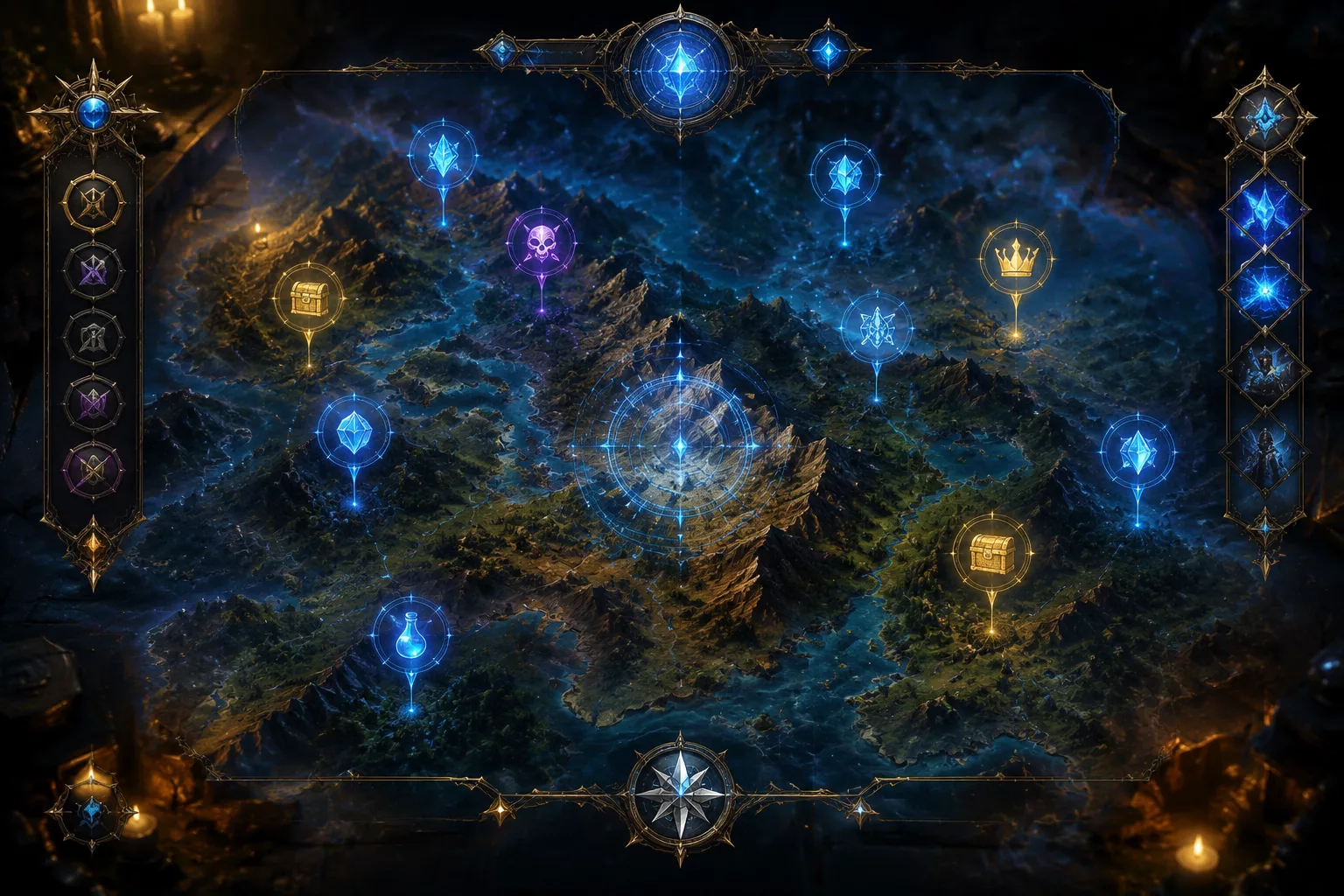
LootCollector Ascension didn’t start from scratch. It’s actually an update to an addon that already existed, an earlier version that Kami had received and tested on his own. That first version had a few annoying flaws for players who used it daily.
The most visible issue was the icons on the map. Some of them would eventually duplicate, creating a real visual mess after a somewhat long session.
Another problem was item selection. When several items were grouped in the same spot, moving the mouse from one item to another would change the entire displayed menu. As a result, it became hard to precisely target the item you wanted within a group.
This version fixes that by locking the selection. Once a group of items is targeted, the menu stays stable, making it much easier to pick the exact item you’re looking for.
At its core, the principle stays the same. This addon is used to locate directly on the map all the items lying on the ground in the world of Ascension.
Locating Items on the Map
On the ground, here’s what that looks like in practice: LootCollector Ascension spots an item very close to our position, so we go grab it.
As you get close, a glowing sparkle marks the item directly on the ground. A simple click on it is enough to loot it.
Just around you, your current zone already hides a whole batch of items to pick up. This method is handy for exploring, but it isn’t necessarily the most efficient way to loot fast.
Starting zones, like Ellwin Forest, are also packed with small green items and a few blue ones. Their rarity then increases with the zone’s level, up to the level 60 versions available in the capital.

Starting Items and Level 60

From the very first zones, you pick up starting items that will stay with you for a long time. Ascension adds a pretty clever gear evolution system on top of that.
Starting at level 60, a dedicated NPC can evolve some of these items into an upgraded version.
Take the sword I’m wearing in the video. It’s found behind Onyxia’s cave and becomes usable starting at level 42.
Once you reach level 60, that same NPC turns it into an upgraded version. That’s why it shows two required levels, 42 and 60.
This weapon shines especially for tanking, but other classes can benefit from it too. If your goal is precisely to rush to level 60 as fast as possible, our 1-60 prestige guide in 25 minutes complements this approach nicely.
Creating Custom Loot Lists
The addon keeps the existing favorites system. A small star lets you mark an item beforehand, then quickly find it again in the interface.
I added a real custom list system. For example, you can create a « tank » list and store only the items useful for that role in it. Each list stays independent and groups the items you select yourself.
The global list also offers a filter by level range. For example, you can choose from level 45 to level 55. That displays a pool of items suited to that range, even if you’re already level 55. Some slightly lower-level items are still worth grabbing.
Each item in the pool shows its spawn zone on the map. Once your « test » list is created, you add items one by one, and you instantly get their geographic distribution.
The benefit is simple. You see which items are located in zones close to each other. You plan your route accordingly, instead of crossing the whole map multiple times to grab your items one by one. It’s the same principle as resource farming: our Outland ore farming guide and Outland primal shards farming guide follow the same optimized-route logic.
Filtering Items by Stats
I really reworked this stat search feature in LootCollector Ascension. You can search for specific stats like defense, dodge, or parry. The addon then shows all the items that have these stats on the map.
Thanks to that, you can spot items that are really interesting for your character. Take these shoulder pieces as an example. They add two extra defense lines, combining parry and defense.
The ones I’m currently wearing only give dodge, and I only get stamina as a bonus. With these new shoulder pieces, I literally gain extra strength on top of the defense. It’s a real power boost for my tank.
So I add them straight to my loot list so I don’t forget them once I’m there.
This system lets you sort items to your exact needs, no matter your playstyle. Whether leveling or gearing your main character, you can search for strength, intellect, critical strike, or any other offensive stat you care about. The addon immediately shows you where the matching items are.
Just right-click the item, then « view. » The zone and exact location appear instantly, without having to blindly search the map.
Another important point: I fixed quite a few item position bugs. All the duplicate issues are gone. I noticed some items were no longer placed exactly in the right spot, down to the pixel, so I manually repositioned them one by one.
I even built myself a custom tool to adjust these positions more easily. But with this new version, the addon now relies on the game’s real coordinates. In practice, every download and install by a player helps place items even more precisely. Most of the items I checked were already well positioned, but the system keeps refining itself over time.
With all that, LootCollector Ascension becomes a true search tool for finding exactly the items you need.
Filtering Epic Items by Quality
On the map, you’ll quickly spot lots of blue items and a few epic (purple) ones. LootCollector Ascension lets you filter directly by quality. If you only want to see the epic items available around you, all you have to do is enable this filter.
And there’s plenty of choice: staves, rings, amulets, trinkets, jewelry, there’s plenty to shop for. All that’s left is to wander around and go pick it all up.
Downloading the Addon and Site News

LootCollector Ascension isn’t available in the game’s official launcher. You’ll need to download it separately, from the site’s dedicated page which includes the link and all the installation instructions.
It’s a simple process. You download the archive, open it, and get three folders inside. These three folders go directly into your game’s addons folder, just like any other addon. Once copied, LootCollector works immediately.
On the site side, Kami Labs has also evolved quite a bit lately, with several useful additions for Ascension players.
The talent tree is now fully translated into French. This is a first, this tool doesn’t exist anywhere else in French. You can still switch to English if you prefer, but having the French version helps you better understand what each spell does. You’ll find the talent tree for your class, and the one for your spec, which changes based on your choice. Builds save, export, and share easily.
Class builds are coming very soon, with a ranking system to compare the different options. Plenty of English-language sources already exist on the topic, and they’re currently being translated to be added to the site.
A guild recruitment tool is also in the works. The idea is to offer an interface to search for a guild, or conversely showcase yours and manage applications, regardless of the type of server or guild you’re targeting.
Finally, several guides are already available on the site, in the section dedicated to addons and game guides.
Getting Onyxia’s Epic Sword
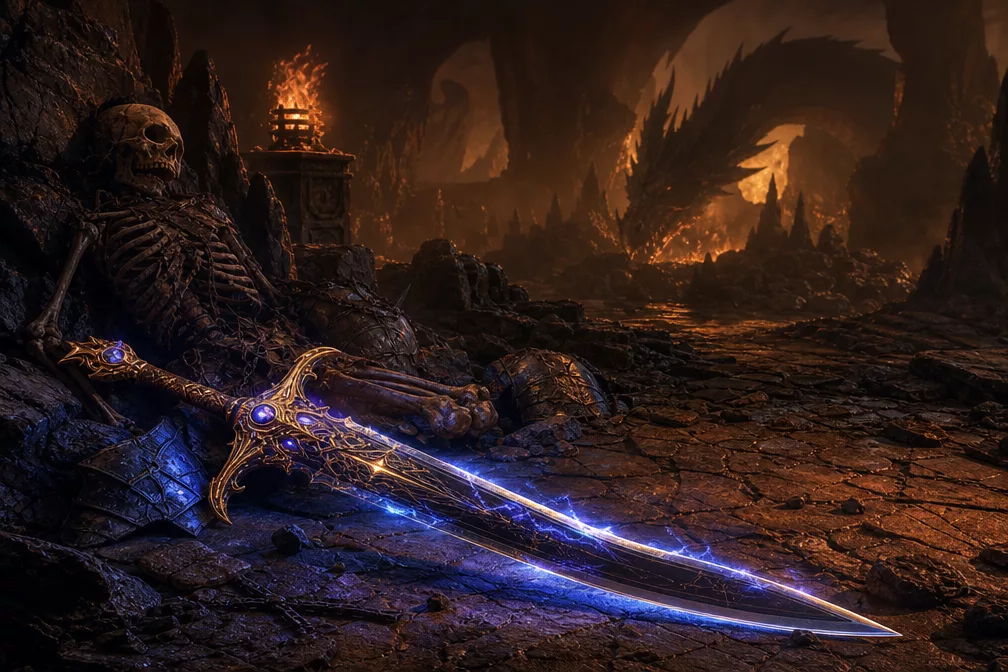
This sword is found in the cave behind Onyxia. The item is available starting at level 42, so if your character hasn’t reached that level yet, you won’t be able to loot it yet.
Once you’re in the cave, here’s the path to follow.
- Go straight into the cave
- You’ll reach a fork with three possible paths (right, center, left)
- Take the left path, the middle-left one
- Spot a small bump on the ground, that’s the right spot
- Continue immediately to the left
- The sword is lying on the ground, right next to a corpse
All that’s left is to loot it.
This sword is especially interesting for tanking. Its proc gives you a 15% chance to increase your fire resistance by 15 and your armor by 250, for 12 seconds. You’ll see three small shields spinning around your character when the effect triggers. It’s almost like a permanent stat given how often the proc activates. A really solid weapon to grab if you play tank.
Titanforged Upgrade in the Capital
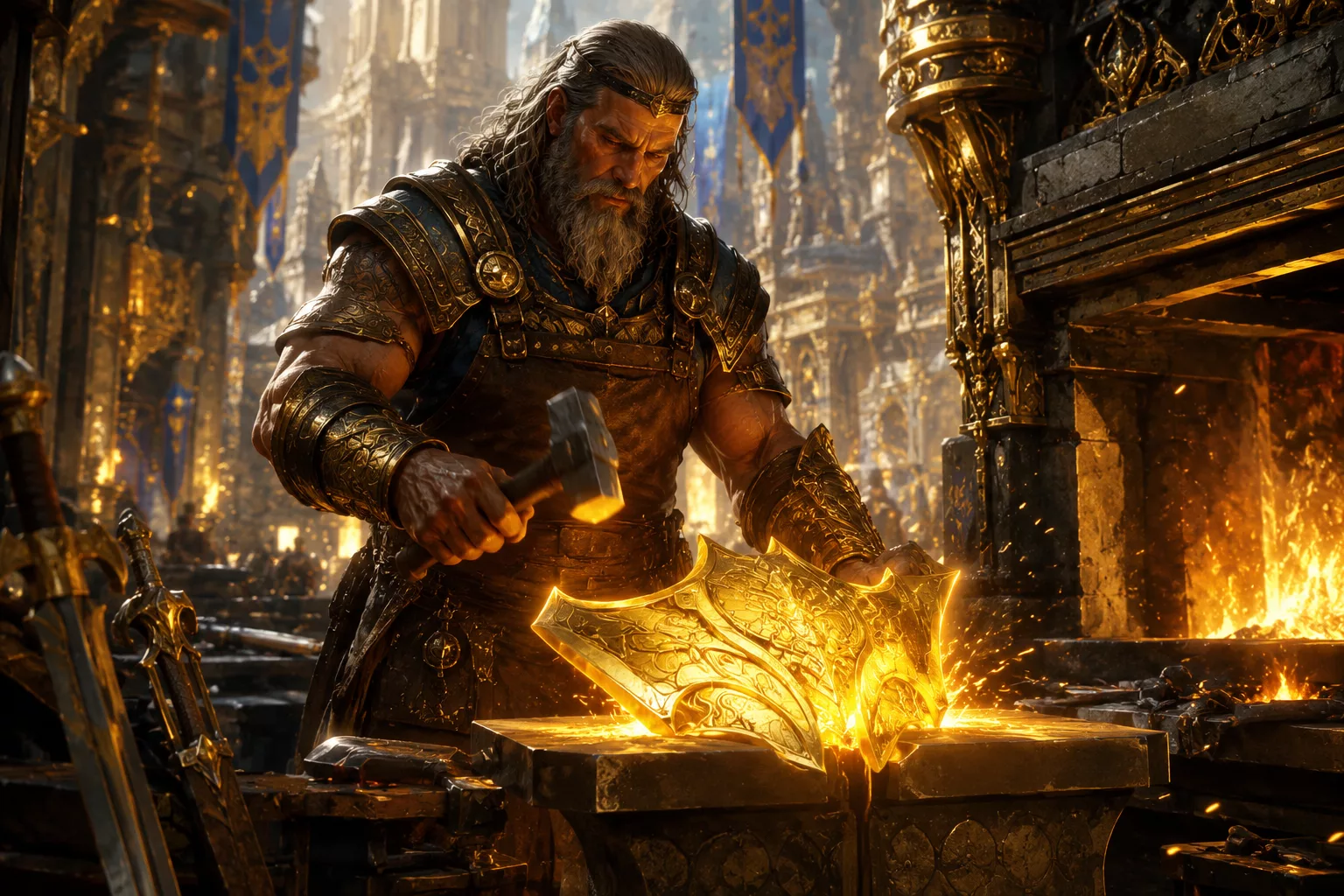
In the capital, an NPC lets you upgrade your Titanforged items once you reach level 60. This system runs on a dedicated resource: points you accumulate by playing, through quests, activities, and PvP.
These points build up over your sessions (expect several thousand before you can upgrade an item), so there’s no need to rush. Just keep playing normally and the resource accumulates on its own up to level 60.






0 Commentaires
Aucun commentaire pour le moment. Soyez le premier à commenter !