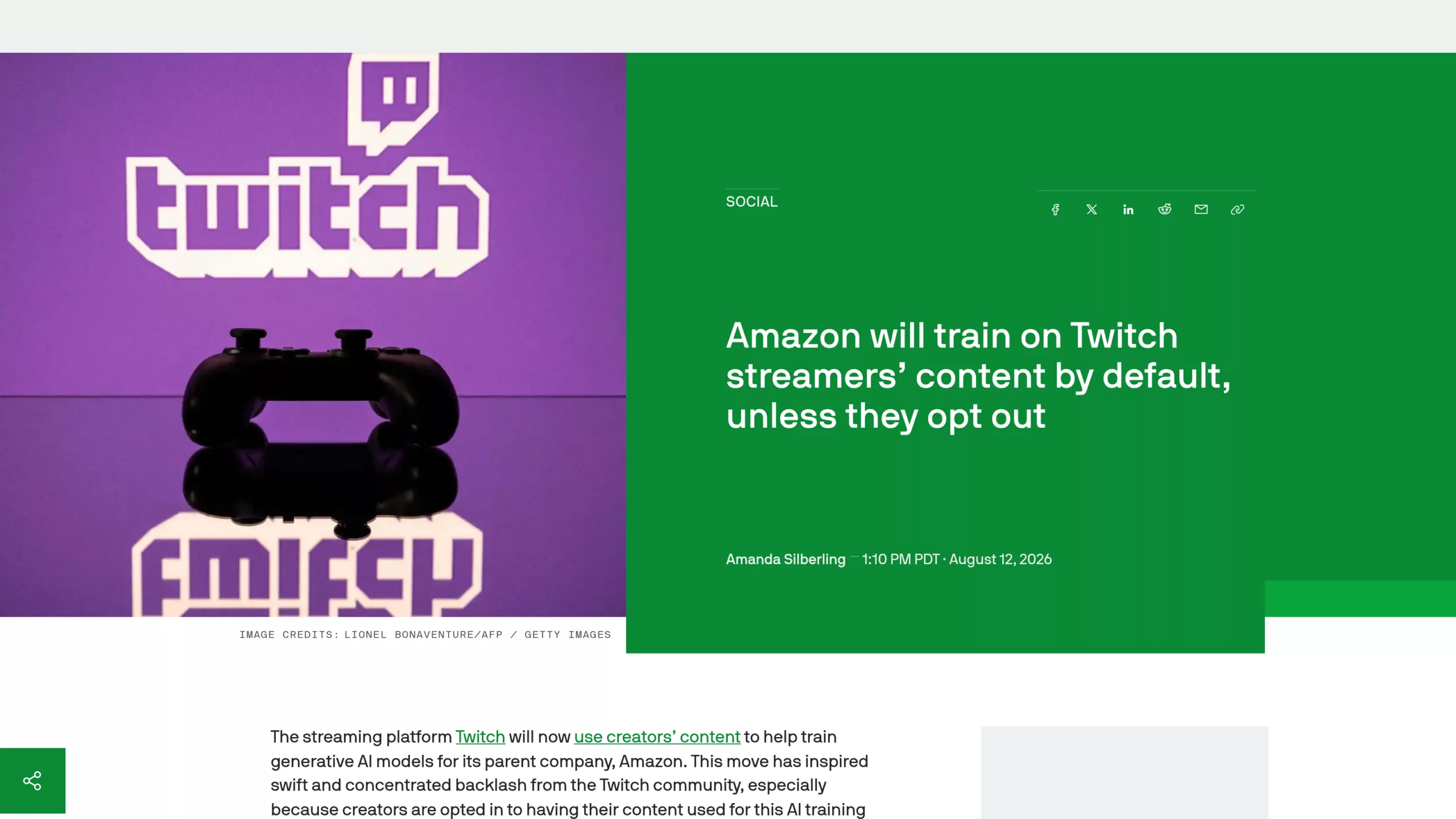
Since August 12, 2026, every Twitch broadcast has been used by default to train the generative AI models of Amazon, its parent company. Live streams, VODs, clips, chat messages, channel artwork: everything is covered, without any creator having given prior consent. A setting lets you opt out, but you first need to know where it’s hidden.
Twitch Has Been Training Amazon’s AI on Your Streams Since August 12
On August 12, 2026, Twitch switched on a default-checked box on every creator account. It authorizes Amazon, the platform’s parent company, to use a channel’s content to train its generative AI models — AI systems that can produce text, images, audio, or video based on what they’ve learned. The setting covers live streams, VODs, clips, chat logs, and channel page images and text. No one received an email or a warning pop-up before it was activated.
Interviewed live that same day on the Twitch Patch Notes show, the platform’s product director, Mike Minton, justified the decision without dressing it up. « If this was opt-in, nobody would opt in. That’s honestly the answer, » he said, before confirming the setting would therefore stay on by default (opt-out).
How to Opt Out of AI Training on Twitch
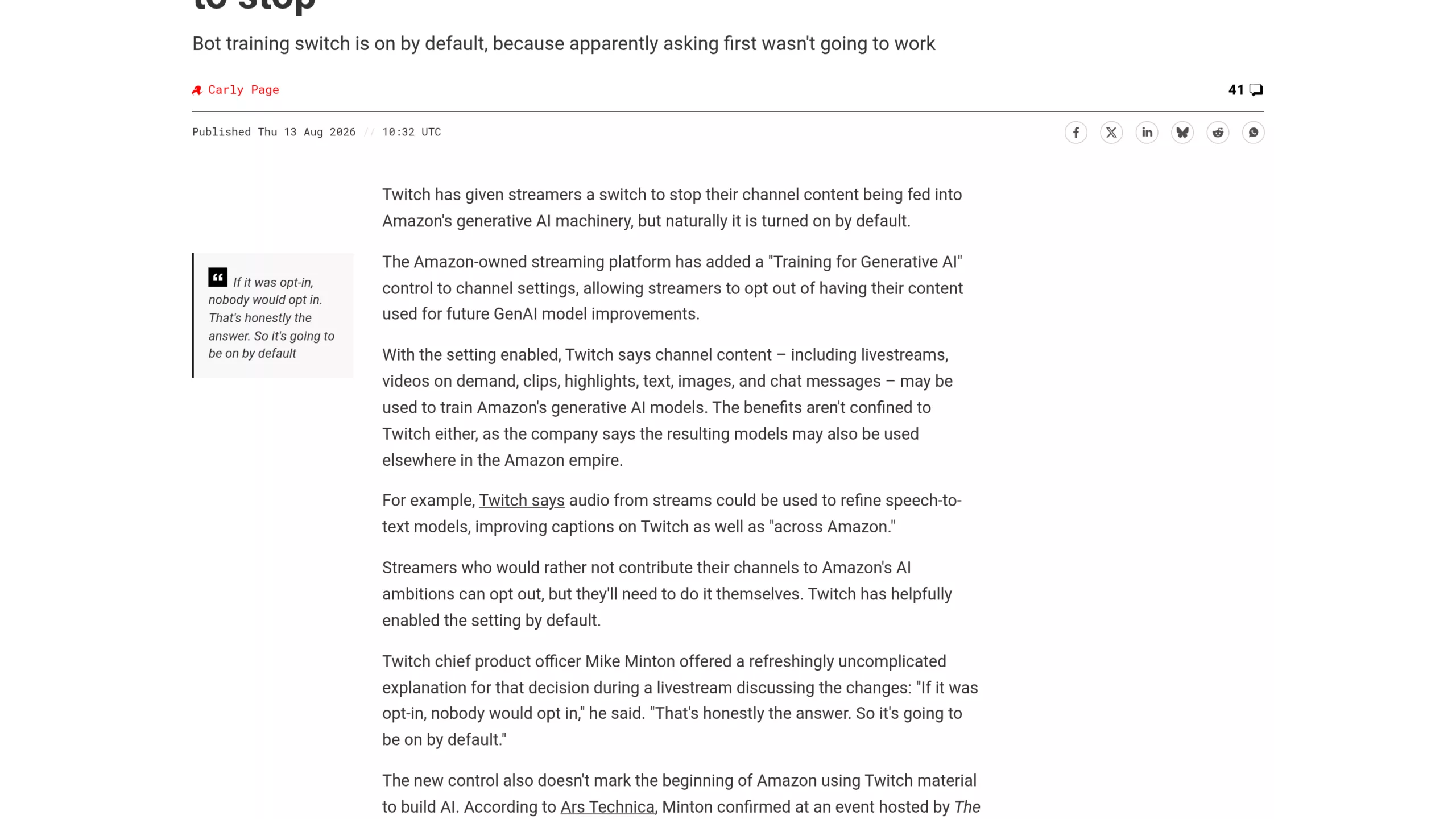
The Register, August 13, 2026, by Carly Page: the quote from Twitch’s product director, and details of what’s covered (live streams, VODs, clips, chat, audio).
Kotaku describes the toggle as buried in the security settings. Twitch even had to explain, live on air, how to find it — effectively admitting it isn’t visible at first glance. The Twitch community reacted fast and hard, a reflex already seen during the backlash over Joueur du Grenier’s response earlier this year.
- Open Twitch in your browser or the mobile app, then click your avatar in the top-right corner.
- Go to Settings, then open the Security and Privacy tab.
- Scroll down to the « Training for Generative AI » option.
- Toggle the setting off. On mobile, the path is Profile, then Settings, then Security and Privacy.
This opt-out only protects your own channel. If you chat on another streamer’s channel and they haven’t disabled the option, your messages can still feed the training — through their channel, not yours.
What Twitch Isn’t Saying About Data Already Used
The setting only addresses what happens going forward. Twitch’s own word, « future, » is precise: turning off the option stops new content from being used to train future models. Nothing indicates that content already captured since the feature launched, or before, will be removed.
Asked about this specific point, Mike Minton himself admitted he didn’t know. He doesn’t know what Amazon has already done with that content. No public audit mechanism lets a creator check whether their streams were used for training before they opted out, and no retroactive deletion process has been announced.
Does GDPR Change Anything for Streamers in Europe?
Twitch had not announced any specific rules for European accounts at the time this article was published. Officially, the setting works the same way everywhere in the world.
GDPR in principle requires consent that is freely given and explicit before this type of processing, which runs counter to a default-checked box. Several commentators consider the practice at odds with that spirit. That’s an interpretation, not a ruling from a data protection authority: no official investigation by a European regulator has been confirmed on this specific case to date. Europe has, however, already shown it legislates firmly on generative AI — for example with the digital watermark requirement imposed on Anthropic for text produced by Claude.
A France-based creator who wants to be cautious therefore has every reason to turn off the option themselves, without waiting for a clarification that doesn’t exist yet.
What This Actually Means for a French Creator
For a streamer who makes a living on Twitch, this goes beyond principle. A model trained on hours of live footage could, in theory, learn a way of commentating, a gesture, a comic timing. Nothing proves today that Amazon is building a tool that mimics a specific creator, but the raw material now sits on its servers for everyone who didn’t uncheck the box.
This kind of announcement also feeds a broader distrust of major video game platforms, already dented by a string of decisions made without consulting players or creators in recent months.
Opting out takes ten seconds once you know the path. It only applies to what hasn’t been absorbed yet, and Twitch offers no guarantee about content already used. The simplest habit is to check this setting before your next broadcast.






0 Commentaires
Aucun commentaire pour le moment. Soyez le premier à commenter !