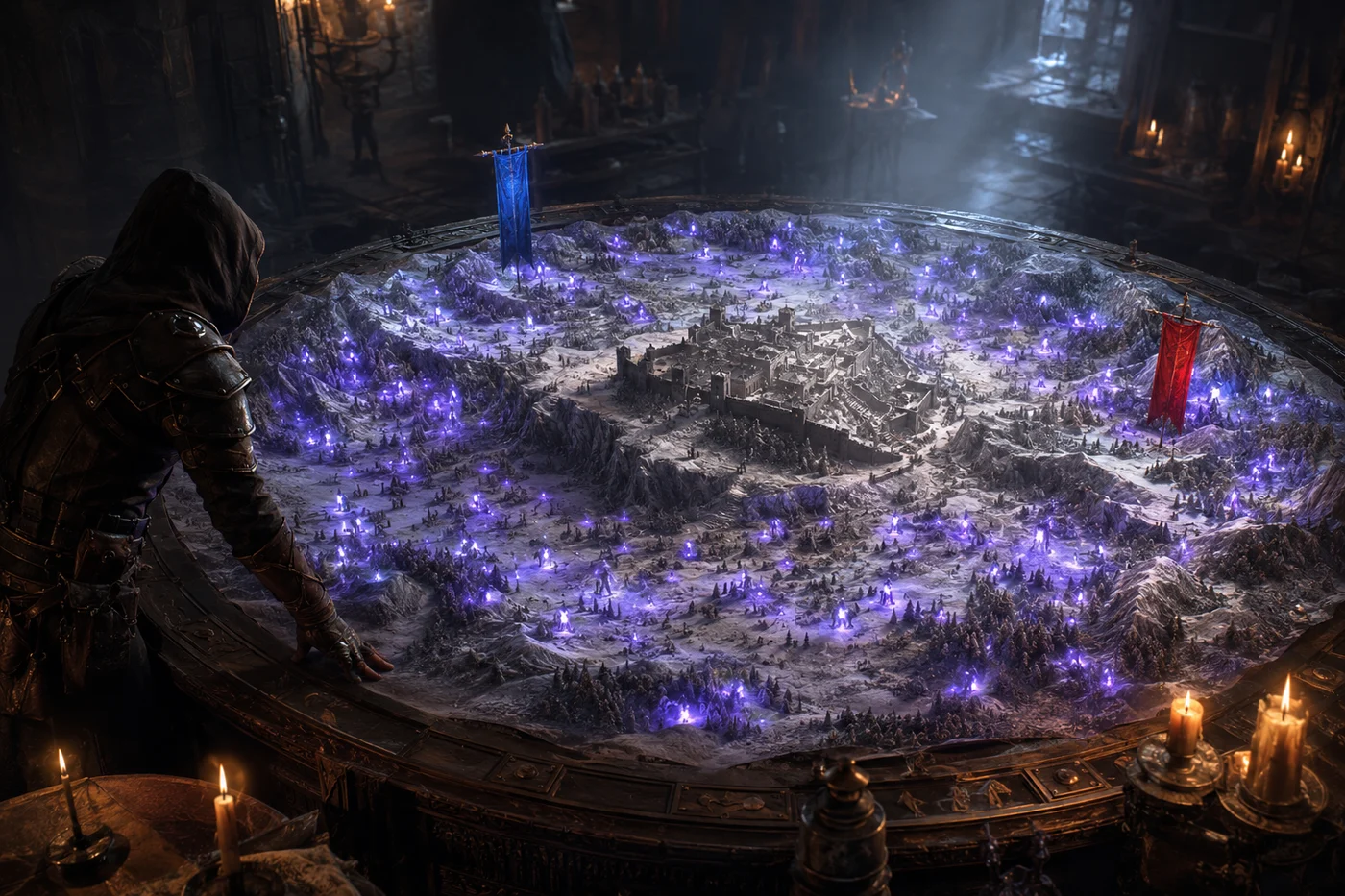
In a battleground, the World of Warcraft minimap only ever shows you four teammates: the ones in your own subgroup. The other thirty-five simply do not exist on screen. To find out where the rest of the raid is, you have to open the battlefield map with Shift + M, which covers half your screen at the worst possible moment. CoARaidMinimap solves this in a very simple way: it puts everyone on the minimap you are already looking at.
What the addon adds
The whole raid, not five players
Members of the other subgroups appear in violet on the minimap, on top of the usual white dots for your own group.
Flags in real time
In capture modes, both flags are shown at their actual position, using the game’s own icons.
Distant allies stay visible
An ally beyond minimap range stays pinned to the edge, in their true direction. You always know where the group is coming from.
Deaths are visible
A dead player is drawn faded. Disconnected players disappear rather than leaving a ghost dot behind.
Seeing the whole raid, not just your group
This is the main feature, and one game is enough to get it. The white dots the game already draws for your subgroup do not change: the addon leaves them alone. On top of them it adds the members of the other subgroups, in violet, with a thin black outline that lifts them off the map background. One glance tells you whether the raid is stacked on an objective or scattered across the zone.
Dots are 7 pixels by default, readable without cluttering the minimap, and the size can be adjusted on the fly between 6 and 20. A dead ally is drawn faded: you can immediately tell a held position from a spot where the team has just gone down. Disconnected players are not drawn at all, which saves you from counting on reinforcements that will never arrive.
Every ally shares the same violet shade, with no class distinction. This is not an oversight: on CoA, the 21 custom classes are not all exposed by the client’s standard functions, and the addon prefers one reliable colour to a colour code that would be wrong half the time.
Flags, at their actual position
In capture-the-flag battlegrounds, the addon also draws both flags on the minimap, using the client’s own Alliance and Horde icons. They follow their real position, exactly as they do on the battlefield map. A flag that is too far away stays visible at the edge of the minimap, in its direction, so you can tell where the enemy carrier is running without taking your eyes off the fight.
Supported battlegrounds
Placing a dot correctly on a minimap means knowing the exact dimensions of the zone. The addon identifies the battleground by its internal name rather than by its ID alone, which makes it immune to the CoA variants. Eleven battlegrounds have their dimensions built in:
| Battleground | Note |
|---|---|
| Alterac Valley | exact scale built in |
| Warsong Gulch | exact scale built in |
| Arathi Basin | winter variant included |
| Eye of the Storm | exact scale built in |
| Strand of the Ancients | exact scale built in |
| Isle of Conquest | exact scale built in |
| Twin Peaks | exact scale built in |
| Battle for Gilneas | exact scale built in |
| Temple of Kotmogu | exact scale built in |
| Silvershard Mines | exact scale built in |
| Deepwind Gorge | exact scale built in |
And if the server adds a brand new battleground or renames one, the addon does not give up: a universal mode takes over automatically. Positions are then approximate rather than exact, but allies stay visible and are placed in the right direction.
What it does not do
CoARaidMinimap does not replace the battlefield map (Shift + M), which remains more precise for reading the whole picture. It changes neither ElvUI nor the client files, and it only runs inside PvP instances: in a dungeon, in a raid or out in the world, it never activates and costs nothing.
Installing CoARaidMinimap
- Close Project Ascension completely. The addon will not be detected if it is added while the game is running.
- Extract the archive into your client’s
Interface\AddOnsfolder. - Check that you end up with a
CoARaidMinimapfolder containingCoARaidMinimap.toc,CoARaidMinimap.luaandCircle.tga. A doubled nested folder is the most common cause of failure. - Launch the game and enable CoARaidMinimap in the addon list, ticking « Load out of date AddOns » if needed.
- Once in game, type
/reload, then enter a battleground and check with/coarm status.
Useful commands
/coarm status | shows the detected battleground, its ID, the scaling mode in use and the state of the flags |
/coarm size 10 | changes the dot size, from 6 to 20 |
/coarm on | turns the display on |
/coarm off | turns it off |
/coarm toggle | switches between the two |
The older /armm command still works for anyone who knew the addon under its previous name.
Download CoARaidMinimap
The addon is free. We host it here to give Ascension players a stable link. The checksum shown under the button lets you verify that the file you downloaded is the one we put online, byte for byte.
CoARaidMinimap
Your whole battleground raid and the flags, on the minimap. Published on 8 August 2026.
Download CoARaidMinimap 1.1.1 (~7 KB)CoARaidMinimap-v1.1.1.zip7,493 bytes (~7 KB)3e8a8d6206d623cbeb43f60fd6ae85cf70144e270a5a05f6ec2b9e3ad9d9dd49Knowing where your team is one thing; knowing what it is worth is another: CoA Analytics rates battleground and dungeon performance. For solo content, LootCollector, KamiLabs Edition pools the locations of Worldforged items. And if the client’s language is holding you back, AscensionFR translates the game interface into French. On the build side, our best PvP builds will give you plenty to bring into those battlegrounds.
Unofficial community addon, not affiliated with Blizzard Entertainment or Project Ascension. Its author, a member of the server’s community, chose to remain anonymous; the code was written with the assistance of an artificial intelligence, as stated in its identification file. Version 1.1.1 recorded on 8 August 2026.




0 Commentaires
Aucun commentaire pour le moment. Soyez le premier à commenter !